Thank you! Your submission has been received!
Oops! Something went wrong while submitting the form.
MENU


Public speaking or any type of on-camera interviewing, hosting, or presenting can be anxiety-inducing. But nothing compares to the palm-sweating, heart-racing, voice-stuttering elements of the ever-so-unpredictable live television appearance.
As someone who’s had their fair share of on-air experience, one would think I’ve grown accustomed to an intimidating studio environment. The reality is that I still get just as terrified as the first time and go into most segments with a sleepless night and a prescription for propranolol.
That said, all hope is not lost for those who shudder at the idea of speaking eloquently to an invisible audience (which can sometimes be in the millions). After all, the subsequent high and feeling of accomplishment is worth the torture alone, which is why I continue to subject myself to it on a monthly basis.
So I’ve rounded up six of my top tips to make live broadcast appearances feel just a little bit easier. Because a little bit really does go a long way when your body feels like it’s one deep breath away from a full-blown panic attack.

Practicing is a no-brainer, but I write out a loose script and run through it at least 10 to 15 times a day, starting a few days before the segment. Does it ever come out verbatim? Absolutely not. And frankly, you wouldn’t want it to — there needs to be room for ad-libbing and answering off-the-cuff questions. But you do need to have a solid grasp of everything you need and want to say within such a short period of time. This will help with the flow and ensure there aren’t any awkward lulls.
In the rare instance when you may be asked a question to something you don’t know, you should always have a canned response. For example, I frequently do shopping segments and a host may ask for a specific price that I haven’t memorized. A quick reply of “you can find all product information on Today.com” always suffices without sacrificing my legitimacy as an expert. These are the quick, go-to lines that will ensure you’re one step ahead and not caught off guard.

The last thing you need to do on the day of your segment is add more stress to your plate. You’ll likely run through the motions of eating a good breakfast and partaking in a solid skincare routine, but be sure to leave enough time for you to get to the studio early. This will allow you to gather yourself before going on set, practice breathing exercises, and remain cool, calm, and collected until showtime. If you’re thrust in front of the spotlight without having a chance to relax, the excess adrenaline may show itself in the form of jitters, voice cracks, and sweat beads.
I am admittedly a bit superstitious when it comes to TV appearances and always opt for a snazzy blazer, but you should always wear something that is not only comfortable, but also makes you feel your most confident. When you look your best and put effort into your outfit, this will be relayed on the small screen. Be sure to shop and/or pick out your complete look before segment day because you don’t want to be scrambling and add more of the aforementioned stress to your day.

It may be the actual medication or it may be a placebo effect. Either way, I don’t care. I’ve found that taking 15 mg of propranolol an hour before I go on set has quelled the physical symptoms of my anxiety. And while it’s by no means a miracle worker, I don’t have to surrender to labored breathing, balmy palms, and shaky limbs that are nearly impossible to control. Pro tip: Test the dosage prior to your segment by popping a pill before a high-stress situation. You don’t want to take too much the first time and come across as a walking zombie who is going through the motions and is void of personality.
The high you’ll feel after finishing is unlike anything you may have experienced before. You’ll emerge thinking you’re the most important person in the room and that you deserve nothing short of the world after putting so much time and effort into something that proved to be a success. But it’s important to stay humble and remember that you were invited to appear on someone else’s show and not your own. Extend all the thank yous you can muster…and not just to booking producers and hosts, but also camera and sound crews, stage managers, green room greeters, and basically anyone involved with production. People who share a workspace talk, as we know, and an upbeat, gracious attitude will be remembered just as much as being well-spoken and natural on camera. If you charm them on top of doing a great job, well, you’ve practically hit the jackpot and they’ll be eager to invite you back in no time at all. And then you can run through these six steps all over again because nerves never go away — they simply become more manageable.

It’s likely that the content creator in your life is jetting around the country (or even the world) to either draw inspiration or share their wealth of knowledge with others. Either way, as a one-person-band who has to work while traveling, he or she is going to need an arsenal of items to get them from place to place (or, at the very least, make hopping on and off planes a whole lot easier and more comfortable).
We’ve rounded up 10 of our favorite travel items to keep in mind for yourself or the globetrotting creator in your life.

“Safe to fly, a joy to carry” July luggage is having a moment that rivals Away’s early success from nearly a decade ago. And it’s all thanks to this signature carry-on suitcase, available in over a dozen bold colors, that comes with an ejectable battery, hidden stain-proof laundry bag, silent wheels, and a lifetime warranty (among other perks).
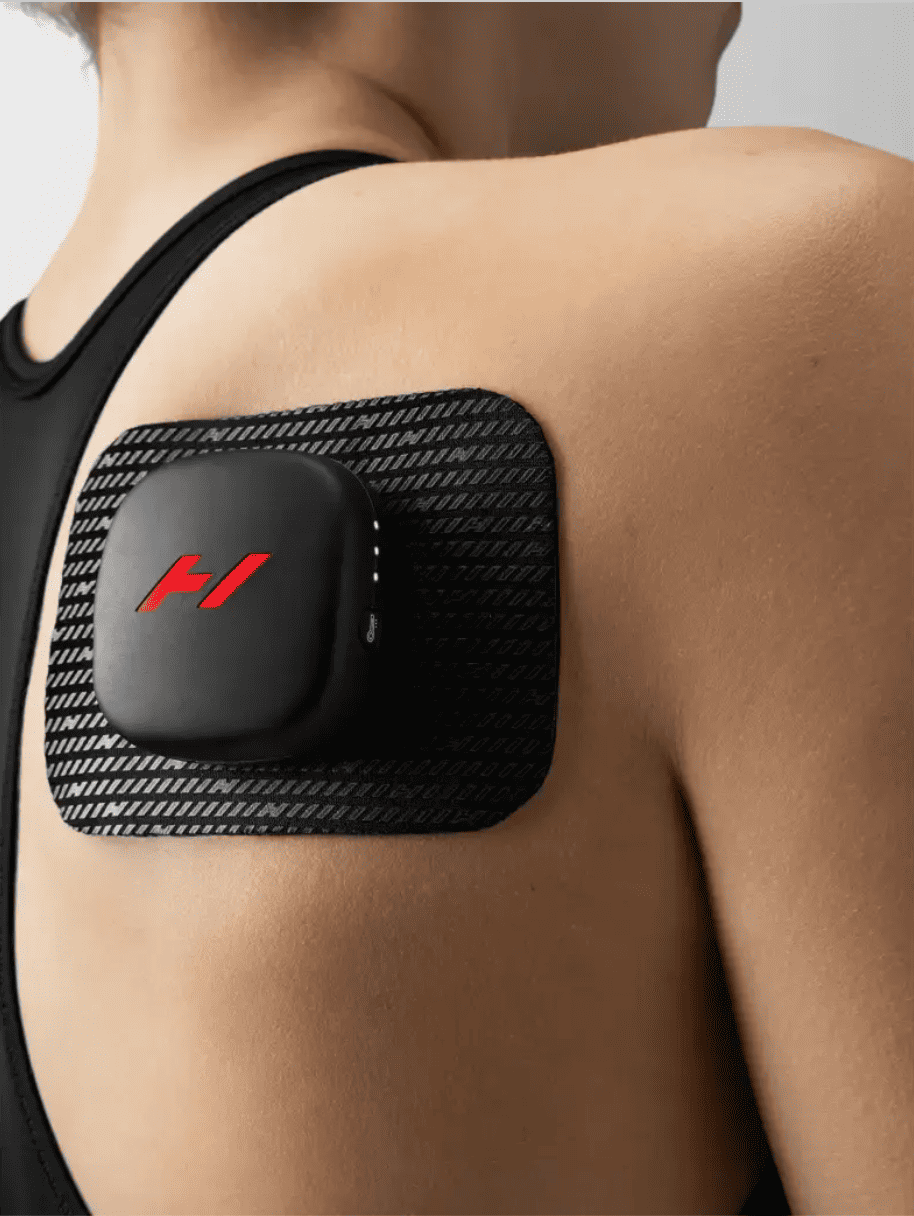
Sitting on a plane for multiple hours is no bueno on the body. But with the Venom Go portable massager, you can bring your muscles some much-needed relief. Simply place the pod and pad in an area with aches or pains, select your preferred heat and vibration intensities, and then go about your day. It really is that easy and will help loosen you up before an important presentation or business meeting.
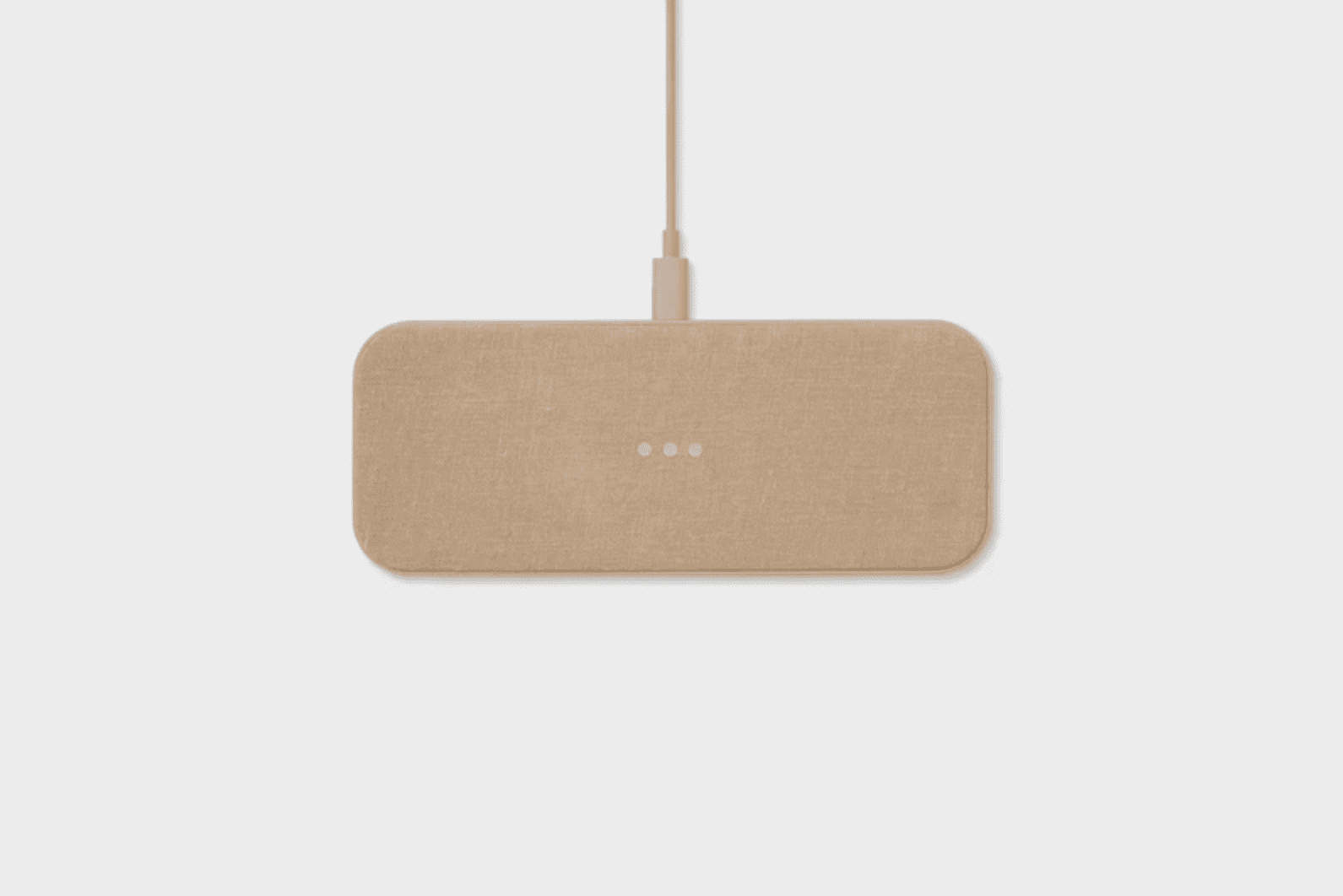
If you’re someone who hates wires, but can’t travel without a bevy of electronic devices, look no further than this sleek and sophisticated dual-device charging pad from Courant. Manufactured in linen or leather, the inconspicuous design blends into any type of decor, meaning you can also enjoy it at home when not on the road.
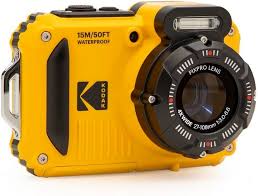
Does anyone really need a waterproof, shockproof, and dustproof digital camera? For a content creator who is always on the go, the answer is a resounding yes. You never know where life will take you and what will be worth documenting on social media, so Kodak’s got you covered with this high-tech gadget that can capture moments in air, underwater, and through the mountains.
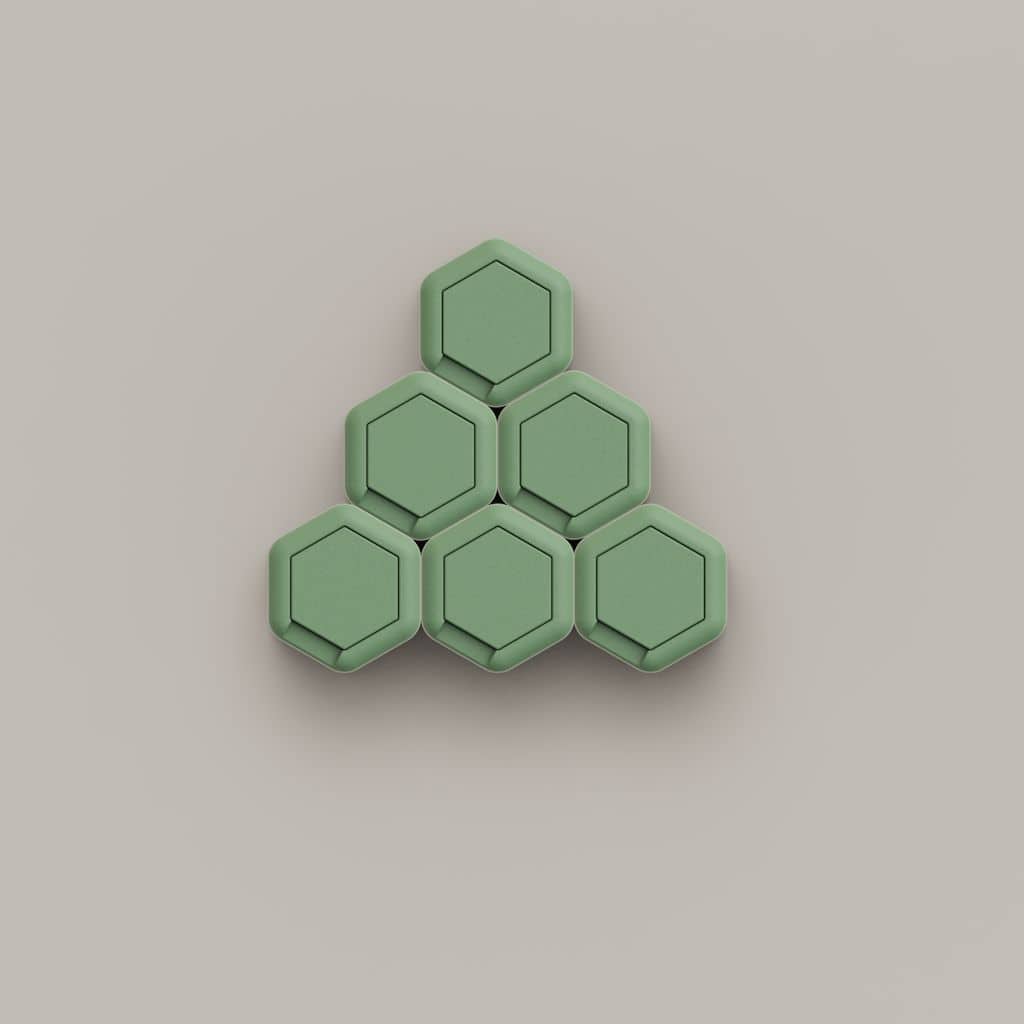
Customizable, magnetic, and leakproof, these tiny travel cases can carry everything from medication and supplements to serums and shampoos. Best of all, they’re TSA compliant and provide the gift of organization, which you really can’t put a price on.
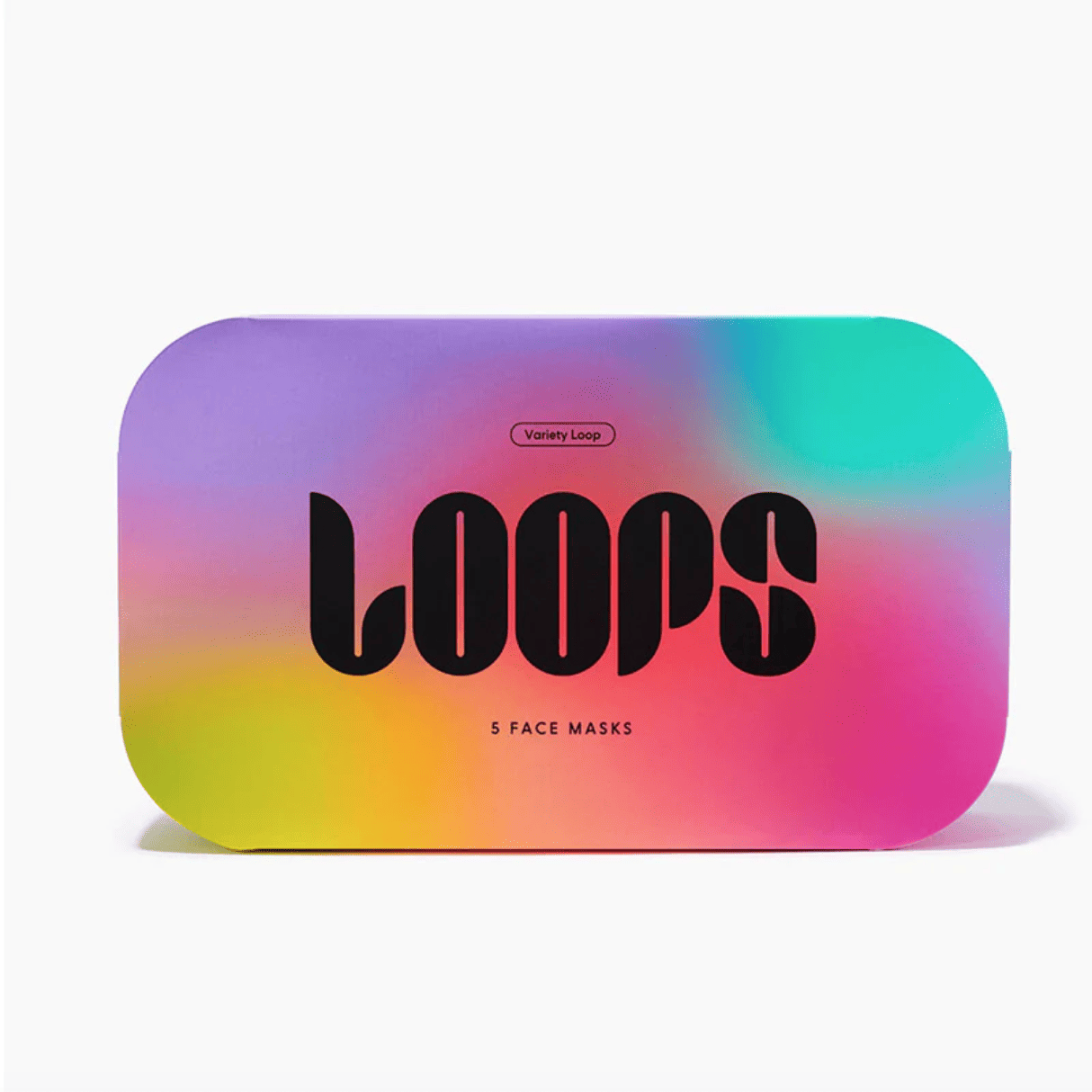
Aside from inducing the aforementioned aches and pains, planes can deprive your skin of much-needed hydration. That’s why it’s important to pack a face mask or two that you can literally apply to your face as you land. Available in five different varieties (brightening, detoxifying, nighttime, glowing, and rejuvenating), there’s an option for every type of dermis demand.

Don’t be that person who has to beg the hotel lobby attendant to loan a converter. Instead, just keep this bad boy in your luggage at all times and you’ll have the comfort of knowing you can plug in your hair dryer in over 150 countries.
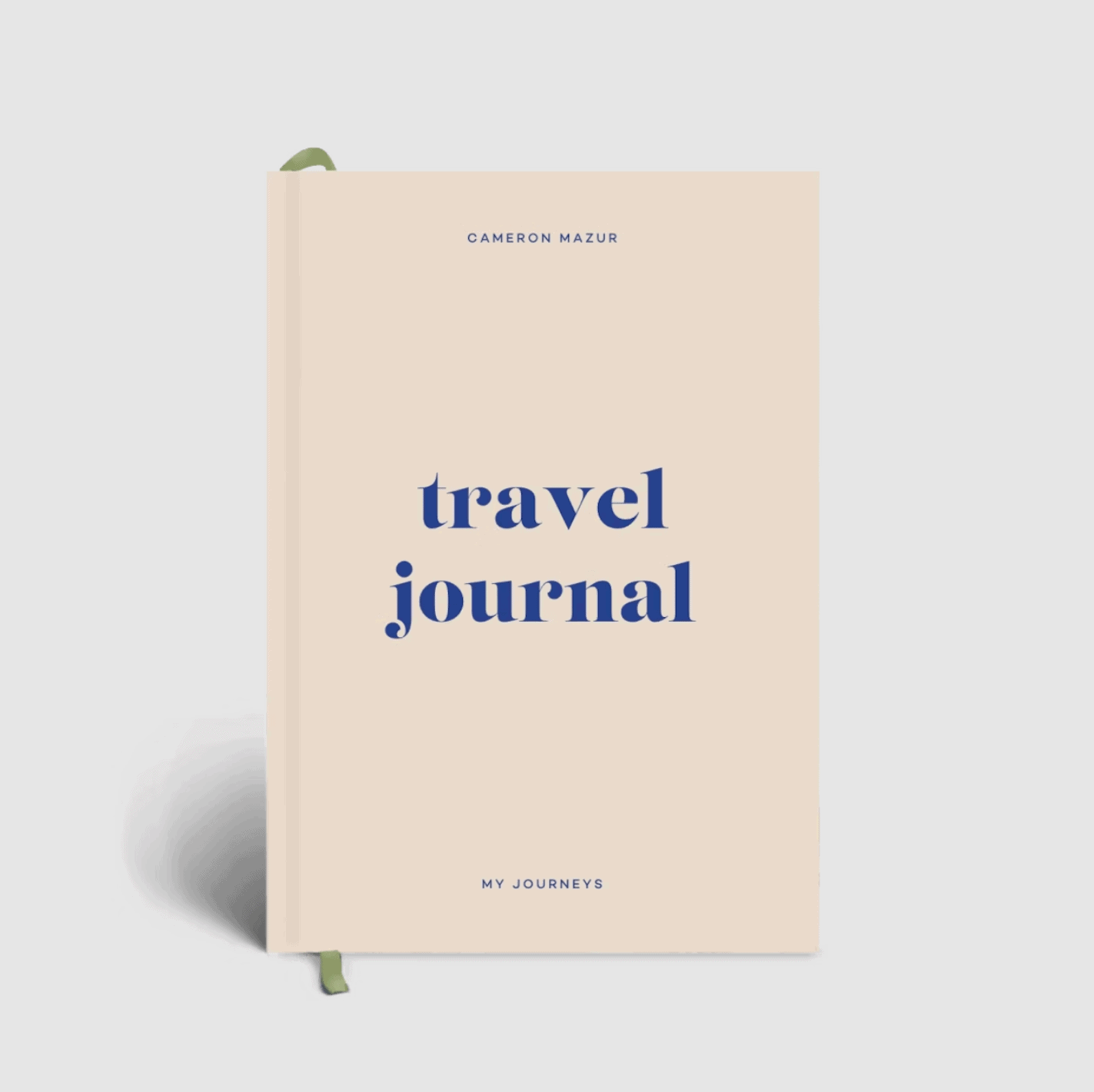
Memorialize an important trip by taking the time to document the moments, people, and places that inspired you along the way. These also help to plan upcoming excursions with pages dedicated to wishlists, ideas, itineraries, packing guides, travel games, and an illustrative map so that everything is in one place and not multiple tabs on your web browser.
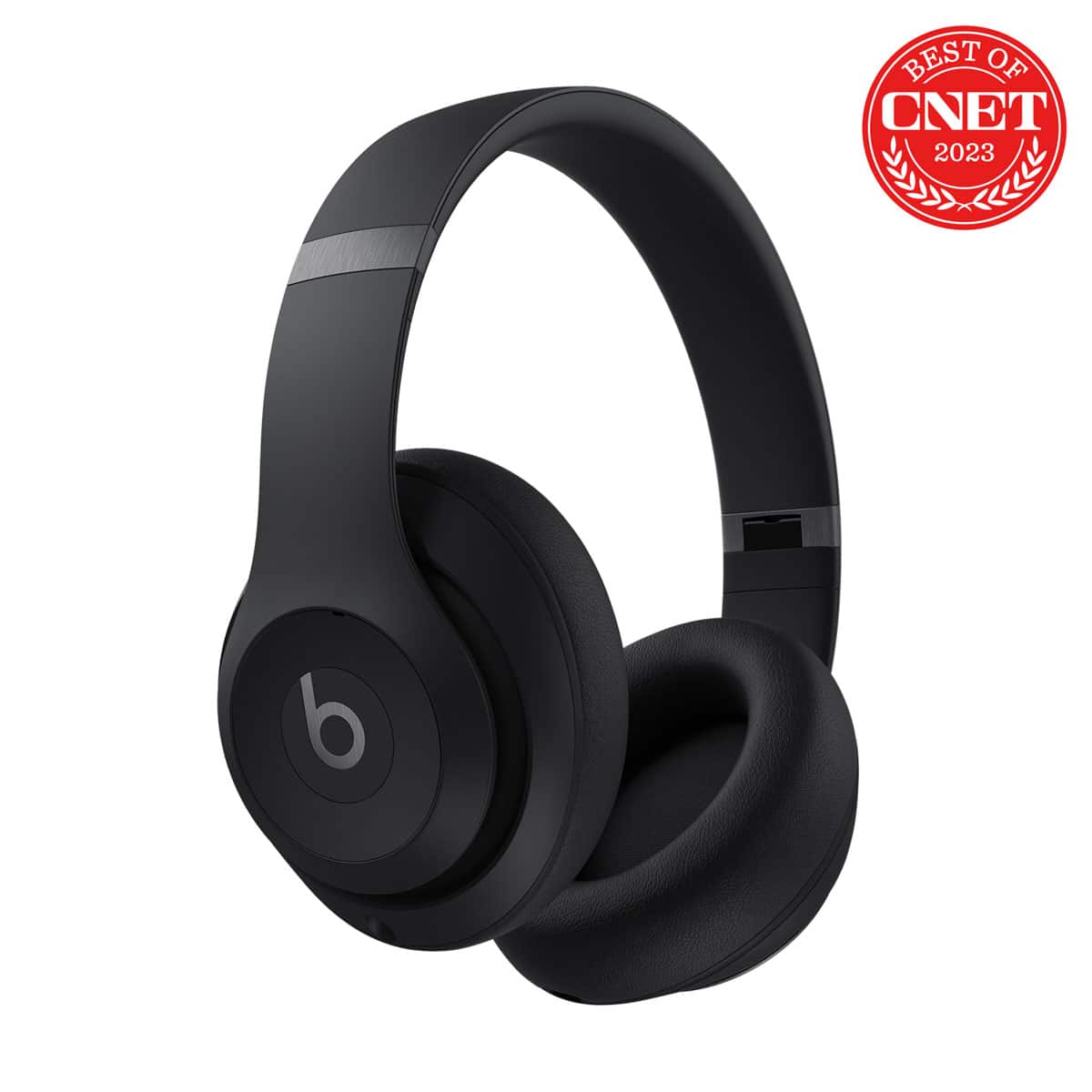
We highlighted these in our holiday gift guide, but they’re too good to not include again. Whether you’re editing a podcast or video, listening to music, or tuning out the distractions from crying babies and plane engines, noise-canceling wireless headphones are a travel necessity to achieve peak productivity. And let’s be honest, Beats happen to be just as stylish as they are useful with four color options and a sleek, modern design. Boasting a whopping 40 hours of listening time before the battery dies, the latest Studio Pro model was engineered to deliver rich, balanced sound that will blow any other audio device out of the water.
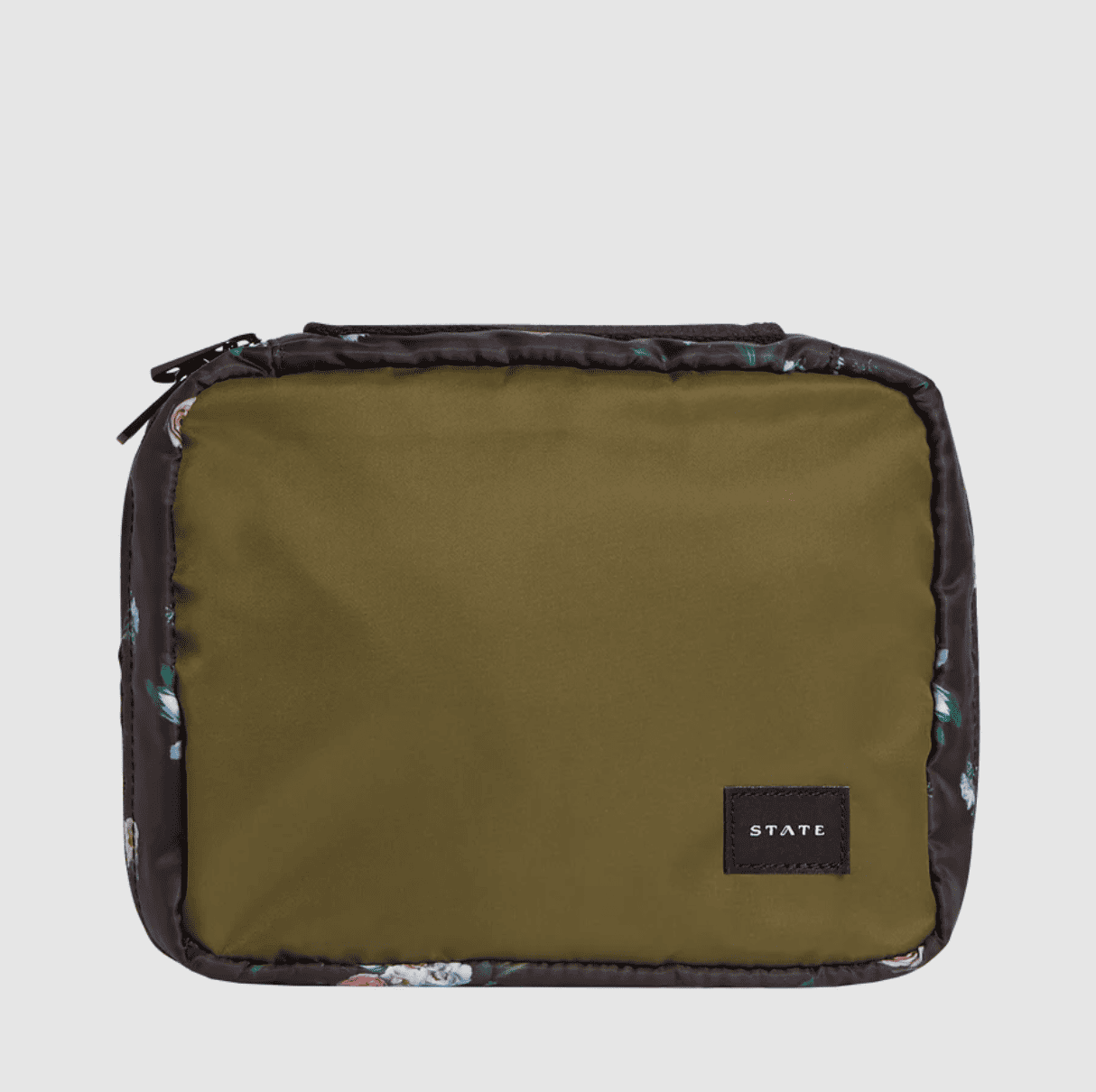
Toiletry bags, begone. Hanging kits are all the rage in case your hotel has sacrificed much-needed bathroom counter space. State’s tri-compartment model is the embodiment of cute and trendy with nearly 20 unique style options and a snap-off, water-resistant pouch if you need to downsize while on your journey. Kits can also be personalized for an additional fee, making it the perfect gift for that hard-to-please shopper.

The holidays are a wonderful time to reflect on a successful year and appreciate what actually matters: friends, family, loved ones, and dark chocolate peanut butter cups (or your favorite decadent treat of choice). But the holidays are also a wonderful time for a mental burnout as year-end work deadlines loom. Compounded by an overwhelming number of social engagements and frankly, it’s enough to turn anyone into a certified Grinch.
To prevent a seemingly inevitable downward spiral, we solicited the expertise of Dr. Marty Cooper, licensed psychologist and founder of New York-based Cooper Mental Health Counseling.
“There are many reasons why people can experience burnout during the holidays,” he says, revealing that “practical” and “emotional” challenges tend to dominate our minds most in the months of November and December. “Adults may need to navigate end of year tasks at work, [but also] loneliness and lack of family, family history, and feeling othered during this season.”
“Some individuals may not have family or may have a family that they do not experience as functional, which can result in feeling lonely,” he adds.
That said, there are a handful of or preventative measures anyone (and especially content creators) can take to make this the year that they put themselves and their feelings first.
“If you know the holidays are difficult for you, start thinking about this early,” advises Cooper, noting that most clients come into therapy as a result of feeling like they’ve taken on more than they can handle. You can be a bit proactive by reflecting on what may have helped in years past, such as hiring an assistant or not working with a specific client, and then integrating these tried-and-true solutions months in advance.
Sometimes you’re only as strong as the people you surround yourself with, and it’s OK to ask for help. Rely on friends, family members, and significant others to build you up if you feel like you’re losing a grip on reality. “Let them know that this can be a hard time and that you need their support,” adds Cooper, who stresses that feelings of isolation and loneliness are most prominent during the holidays.

“When we enter into a period that may be challenging for us, we sometimes rely on ineffective coping strategies like ignoring emotions,” says Cooper, who also points out that emotions are temporary and can change. “Pay attention to your mind and body to track if they are feeling overwhelmed. If this is the case, we can use some simple self-soothing techniques like meditation or listening to soothing music.”
You may need to block off some necessary “me” among a sea of responsibilities and obligations. Activities like yoga, massages, hiking, or even napping should also come with back-up times in case something more pressing pops up and interferes with what Cooper calls “intentional experiences.”
“While this sounds simplistic, our breath is a very powerful tool and we can use it anytime and anywhere,” says Cooper. “If you find yourself feeling overwhelmed, take a moment to take a deeper breath and, as you exhale, find muscle tension that can be released.” This can help to immediately relax something as small as your temples to as large as the lower half of your body.

Still struggling to find effective coping mechanisms? If so, you shouldn’t underestimate the power of therapy by seeking the assistance of a mental health professional.
“The commitment to taking care of yourself can go a long way in feeling less stressed,” says Cooper. “A professional can help you identify your feelings and think about situations from multiple lenses. It can also be a helpful place to think about any family dynamics that may be a concern with the upcoming holidays.”
The first step is to contact your insurance company for a list of participating providers. If your needs are more gender, sexuality, or trauma-specific, local community centers can also be a great resource, with some organizations offering complimentary services and sessions as a launching pad.
A less anxious you is the best version of you. Give that gift to yourself this holiday season and your 2024 will inevitably start with a bang that rivals New Year’s Eve fireworks.

It can be difficult to shop for the content creator who seemingly has everything. After all, we tend to rely on them for product inspiration and general shopping guidance in the first place, so determining what they don’t have or haven’t already thought about can be a somewhat intimidating and daunting task.
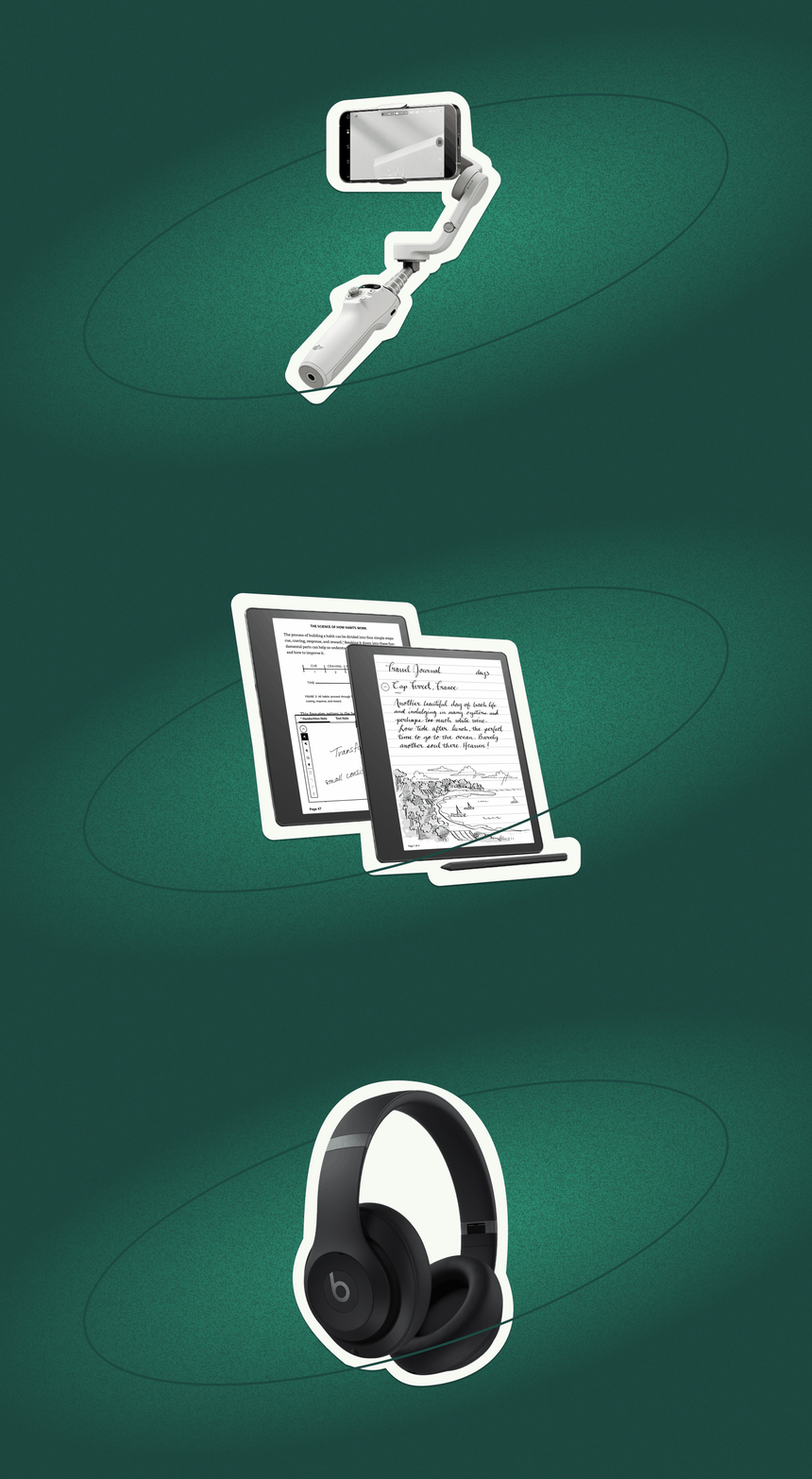
The reality is these creatives haven’t really seen it all and will appreciate any effort to make their lives more streamlined and productive, especially if you personalize a gift around their unique interests and brand personality.
Here are nine ideas for the person in your life who tends to put career before everything and shows no sign of slowing down (though we highly recommend striking a work/life balance). Or, if you’re a content creator yourself, these are the items you’ll want to add to your own holiday wish list so that 2024 can start with a bang.
Beats Studio Pro Wireless Headphones, $349.99
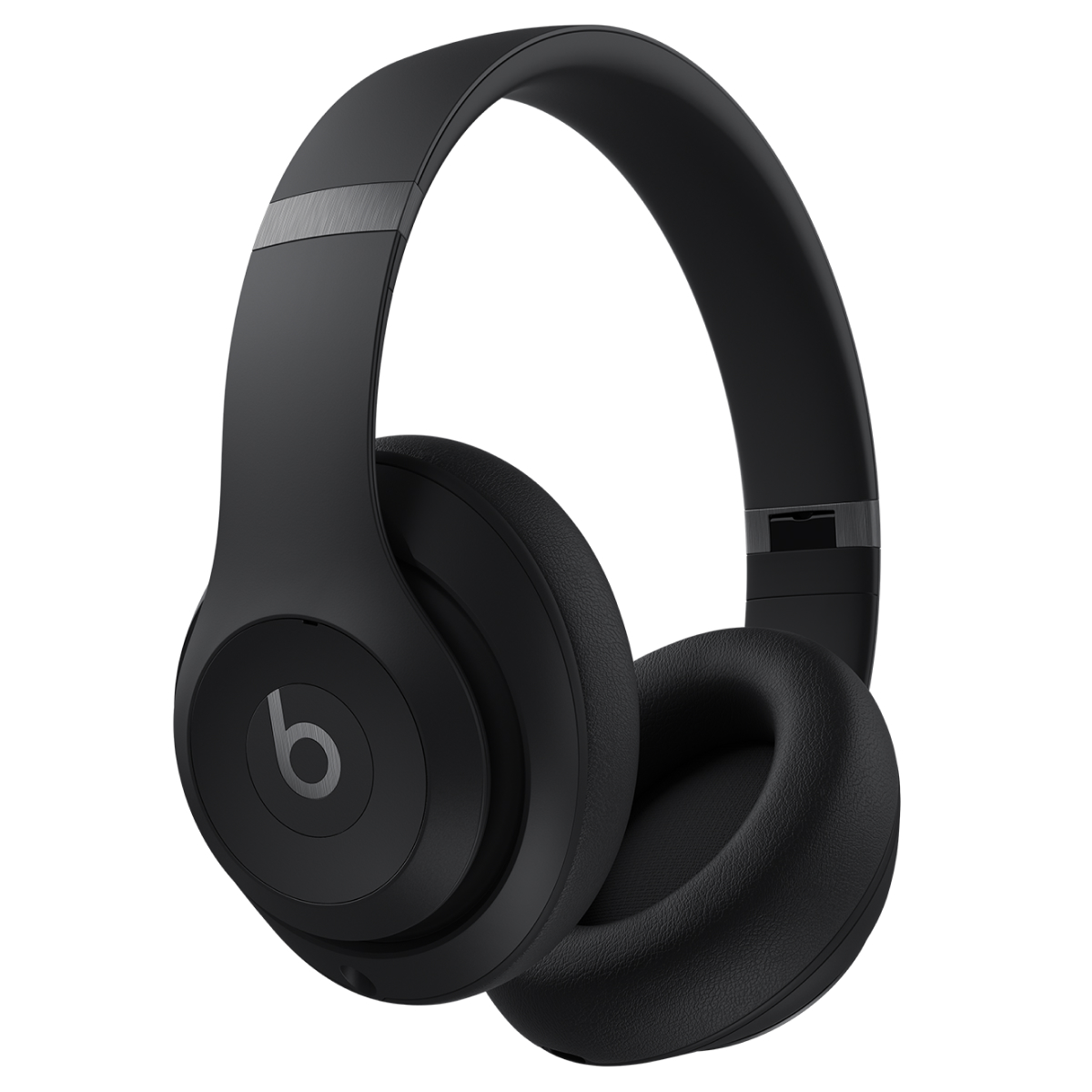
Whether you’re editing, listening to inspiring music, or tuning out the distractions from those around you, noise-canceling wireless headphones are a working day necessity to achieve peak productivity. And let’s be honest, Beats happen to be just as stylish as they are useful with four color options and a sleek, modern design. Boasting a whopping 40 hours of listening time before the battery dies, the latest Studio Pro model was engineered to deliver rich, balanced sound that will blow any other audio device out of the water.
Amazon Kindle Scribe, $339.99
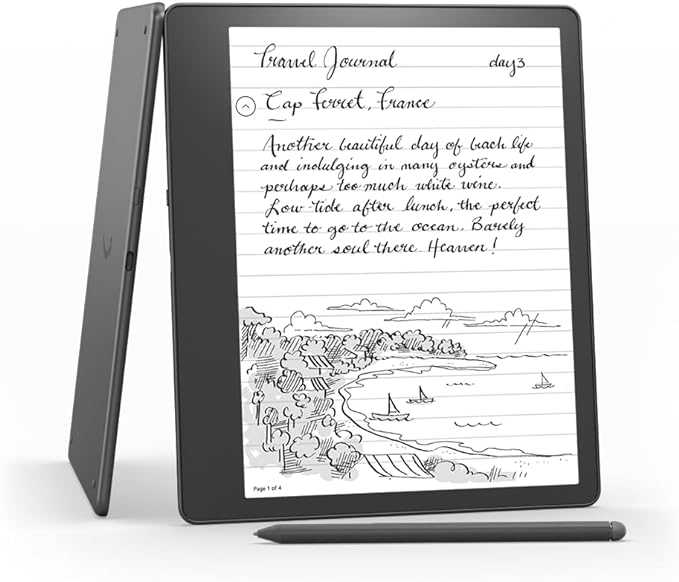
An e-reader is nice, but an Amazon Kindle Scribe is so much better. Consider it an everyday tool that can be used for practically anything: reading, sketching, taking notes, jotting down quick ideas, or even mocking up PDFs, all thanks to a smart pen accessory that syncs with the gadget and works like an actual writing utensil. After a few uses, you’ll soon be kissing notebooks and laptops goodbye (at least in meetings where typing and handwriting will begin to feel archaic).
TravelCard Plus Wallet Charger, $39
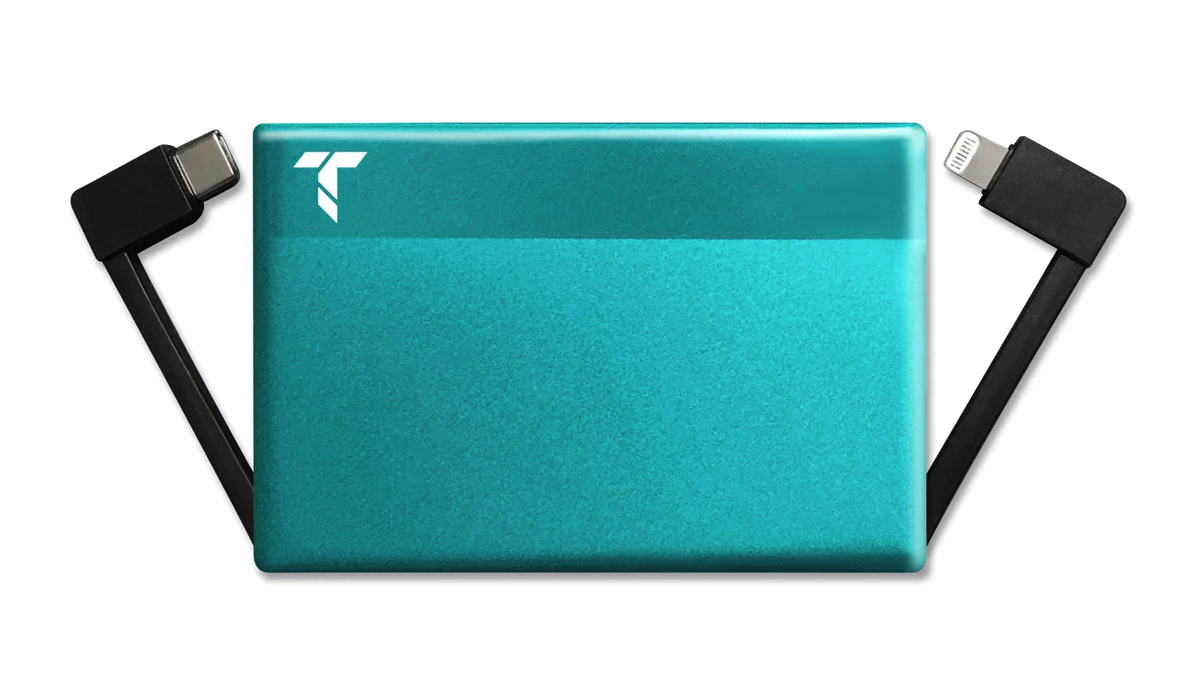
Chances are likely that the special content creator in your life is always on the go and bringing a bevy of electronic devices with them. They’ll obviously require a portable charger to maintain healthy battery life. But, naturally they’ll want to skip something so bulky that it takes up precious carry-on bag space. Enter the TravelCard Plus Wallet Charger: slim and powerful with built-in USB-C and iPhone chargers that are camouflaged by a stylish leather wallet (which can also be purchased with an Apple AirTag holder). Due to overwhelmingly positive publicity, the accessory sold out almost instantaneously upon hitting the market, so consider yourself lucky if you can get your hands on one during their next restock.
Tidbyt, $179
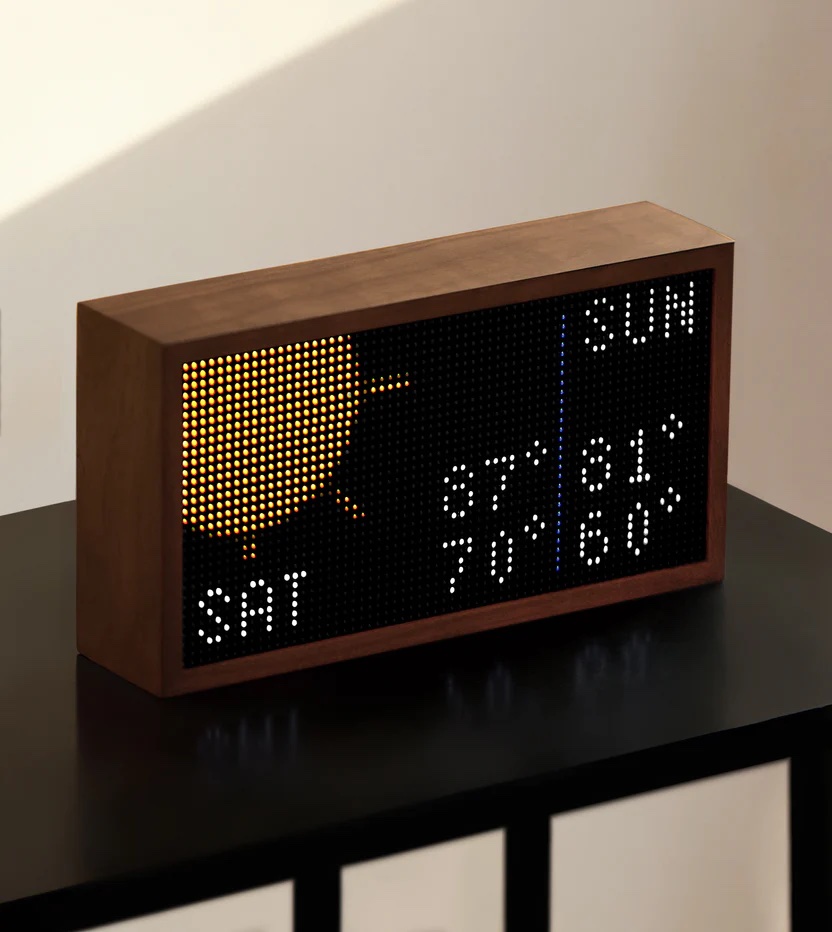
Perfect for any home office, this app-based, LED light contraption will serve as a wonderful desktop addition. The retro-style display shuffles through a personalized list of apps that make your daily life more streamlined and convenient. These can include anything from current weather and local train times to words of the day and live game scores. Simply control what appears on the screen through a synced app on your phone and enjoy a customized display that is equal parts educational and functional (or just plain pretty and/or entertaining). It also couldn’t be easier to set up and can actually link with your Google Home to perform even more hyper-specific tasks.
DJI Osmo Mobile 6, $149
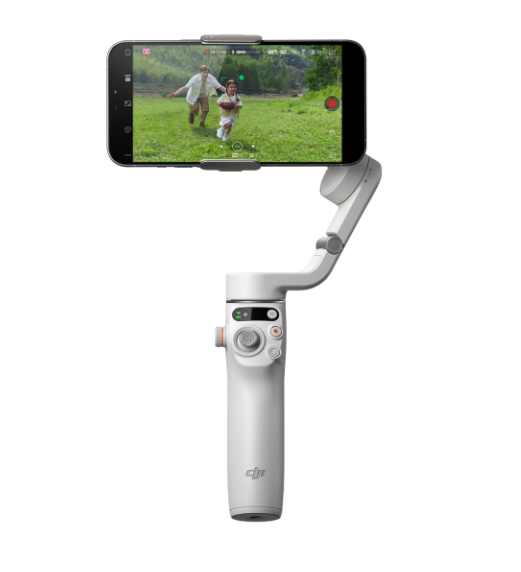
A content creator is constantly shooting photos and videos throughout the day, which requires the steadiness of a tripod or the panoramic cinematography of a handheld stick. The DJI Osmo Mobile 6 does it all by allowing users to lock their phone in place for stationary shots, 360-degree views, or practically any hand-guided angle pan, span, or zoom in and out. In fact, you may just never use only your hands again while snapping the perfect shot for all of your social media channels—it’s just that good.
The Anti-Anxiety Notebook, $38
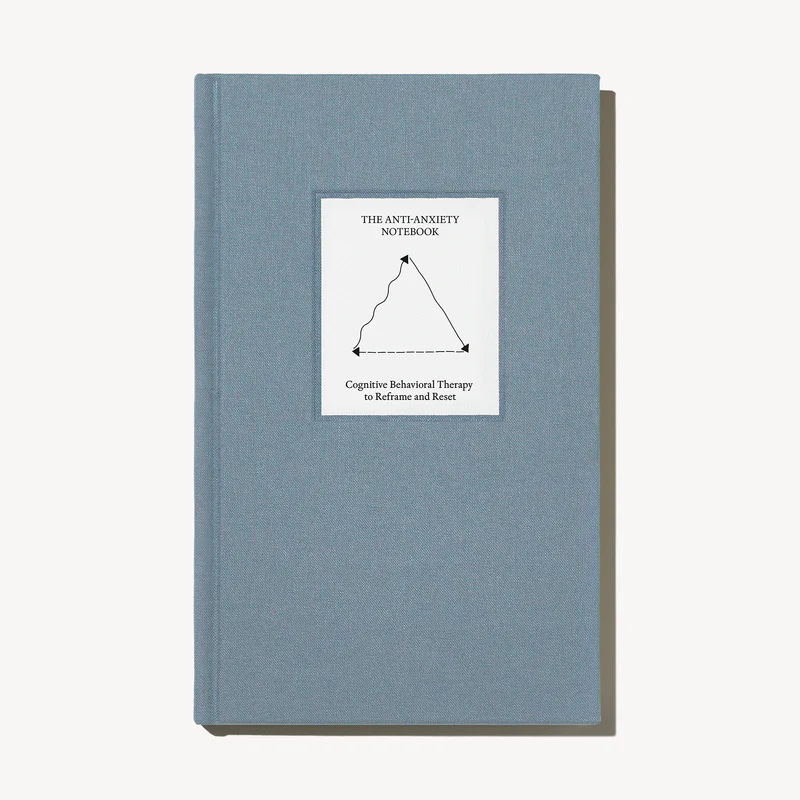
Therapy can be an important component of any creative’s weekly routine, but sometimes a demand to relax the mind and meditate happens out of nowhere and you must take matters into your own hands. This cognitive behavioral therapy notebook includes 40 guided journal entries for in-the-moment support. Developed by actual mental health professionals, it’s a resource to calm the brain during moment’s of anxiety by identifying, challenging, and changing unhelpful thought patterns. Over time, you should develop more positive habits and these unwelcome, unpredictable moments of stress will feel less burdensome.
Ember Mug 2, $149.95
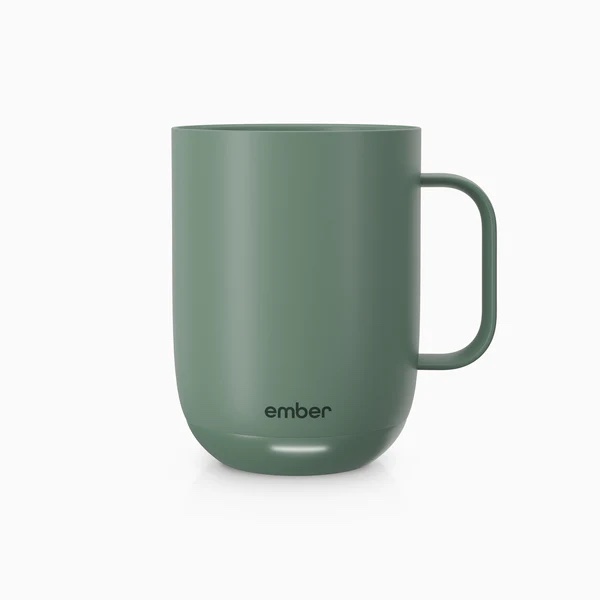
Chances are likely that any entrepreneur will rely on excessive amounts of caffeine to get them through the day. Whether this comes in the form of coffee or tea, an Ember mug is a kitchen must-have. The clever cup regulates liquid temperature so that if you’re pulled into a last-minute Zoom meeting or have to run out of the house, you can return to a hot beverage that is set at the exact number of degrees that you prefer. You can even customize presets for your favorite drinks and receive notifications when your desired heat level has been reached.
Thinking Time Deck – Business Edition, $25

Big ideas require big brainstorming sessions. And when these happen, it’s time to ask the big questions to determine whether or not an idea will actually be successful if brought to fruition. The Thinking Time Deck is a great start, challenging any entrepreneur to critically think about the ways in which they approach a new business. Featuring 150 questions that aim to develop ingenuity and holistic solutions to common challenges, it’s a must-have tool for anyone who constantly seeks self-improvement and/or may suffer from not wanting to play the role of devil’s advocate.
Warby Parker Blue Light Glasses, starting at $95

Excessive screen time can not only be detrimental to your eyes, but it can also affect your overall health. Blue light exposure has been linked to insomnia and more serious issues like diabetes, heart disease, and even cancer. To proactively limit your exposure, it’s wise to rely on a set of blue light glasses to filter the brightness of computers, tablets, and cell phones. Whether you require a prescription or only want standard lenses, all of Warby Parker’s models conveniently contain blue light protection. Opt for either a virtual try-on session by using your device’s camera or select five of your favorite models to be sent to your home. You can, of course, hit up any of their brick and mortar locations to also shop in person, though it may make more sense to buy your BFF a Warby Parker gift card so that they can peruse frames on their own.

The term “influencer” has developed a somewhat polarizing reception, though there is no doubt that Instagram content creators have established lucrative careers with devout audiences.
To keep up with a demanding schedule of churning out video after video, photo after photo, as well as podcasts, event appearances, newsletters, and the like, these tastemakers rely on dozens of apps for organization, motivation, and efficiency.
We covered the top apps that influencers across all genres use for editing, but these are the ones that they rely on to manage workflow, find resources, and, most importantly, seek daily inspiration to keep their personal brands both innovative and interesting.
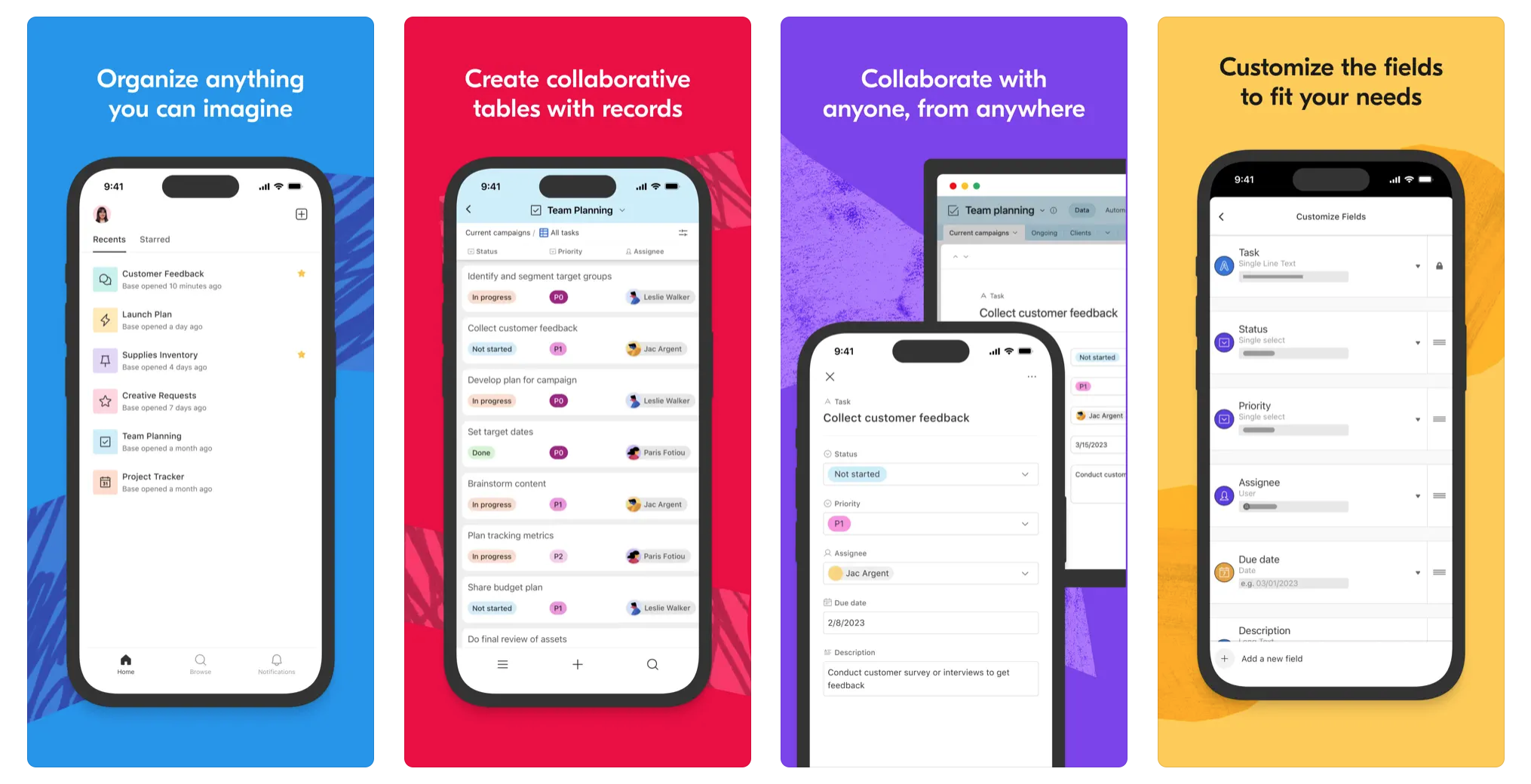
“This is what I use to content plan. I write down all my ideas and indicate their statuses in the production timeline (shot, edited, posted, scheduled which platforms, etc). I find it helpful to reference when I feel like I have nothing to shoot!” – Kristina Rodulfo, @kristinarodulfo, Beauty Expert, Speaker, and Host
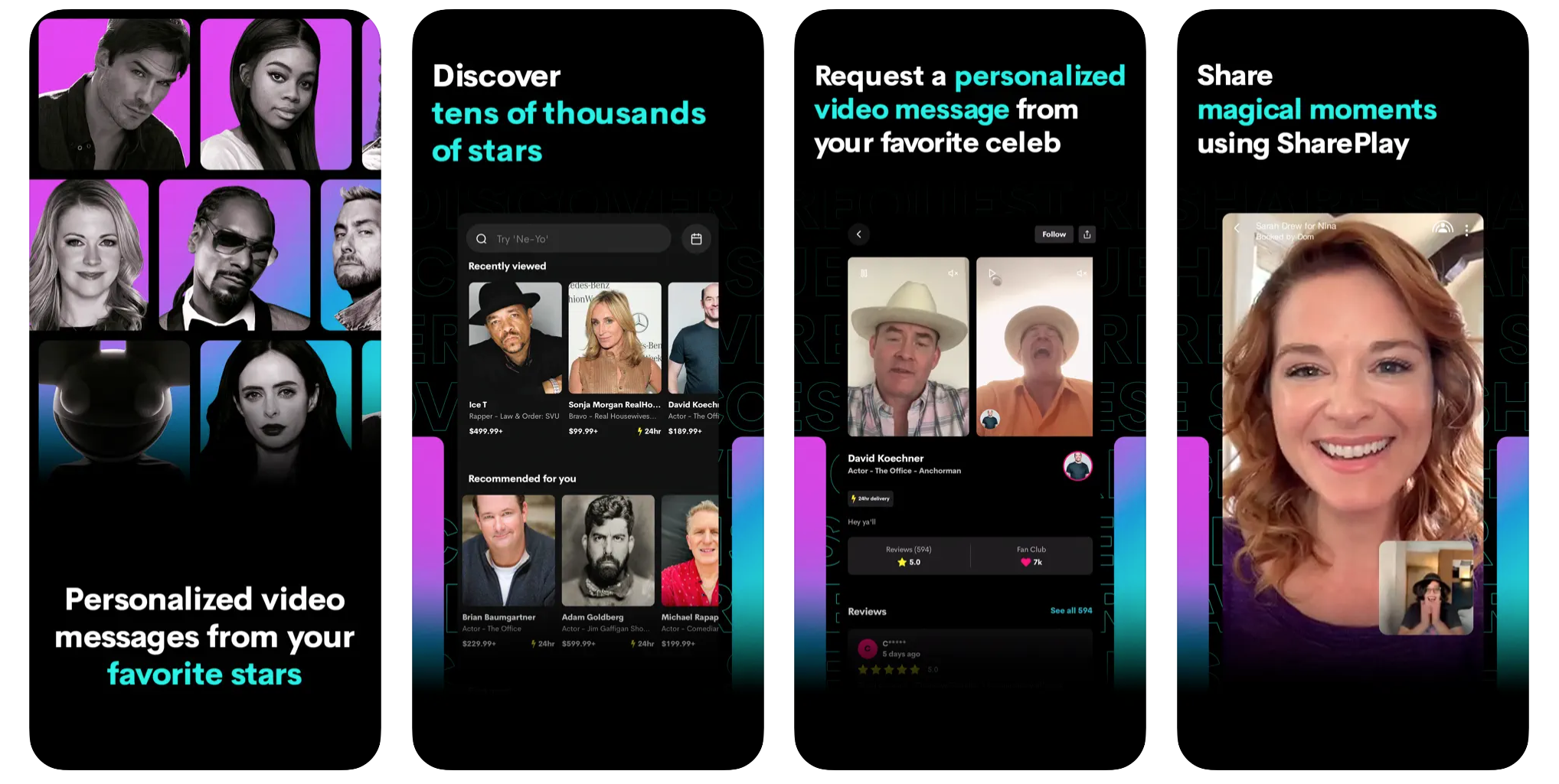
“Cameo has been a great way to stay engaged with fans and is marketing genius if you do it right. My rates are low so that I can make more Cameos weekly and, frankly ,it’s been a privilege to connect with people for fun, inspiration, pep talks, and encouragement during life’s difficult moments. What a gift! I could literally do these every day with no complaints. I have repeat ‘offenders’ and what’s great is that they share with friends and family and, soon enough, they’ll advertise for you!” – Mrs. Kasha Davis, @mrskashadavis, Drag Artist and RuPaul’s Drag Race Contestant
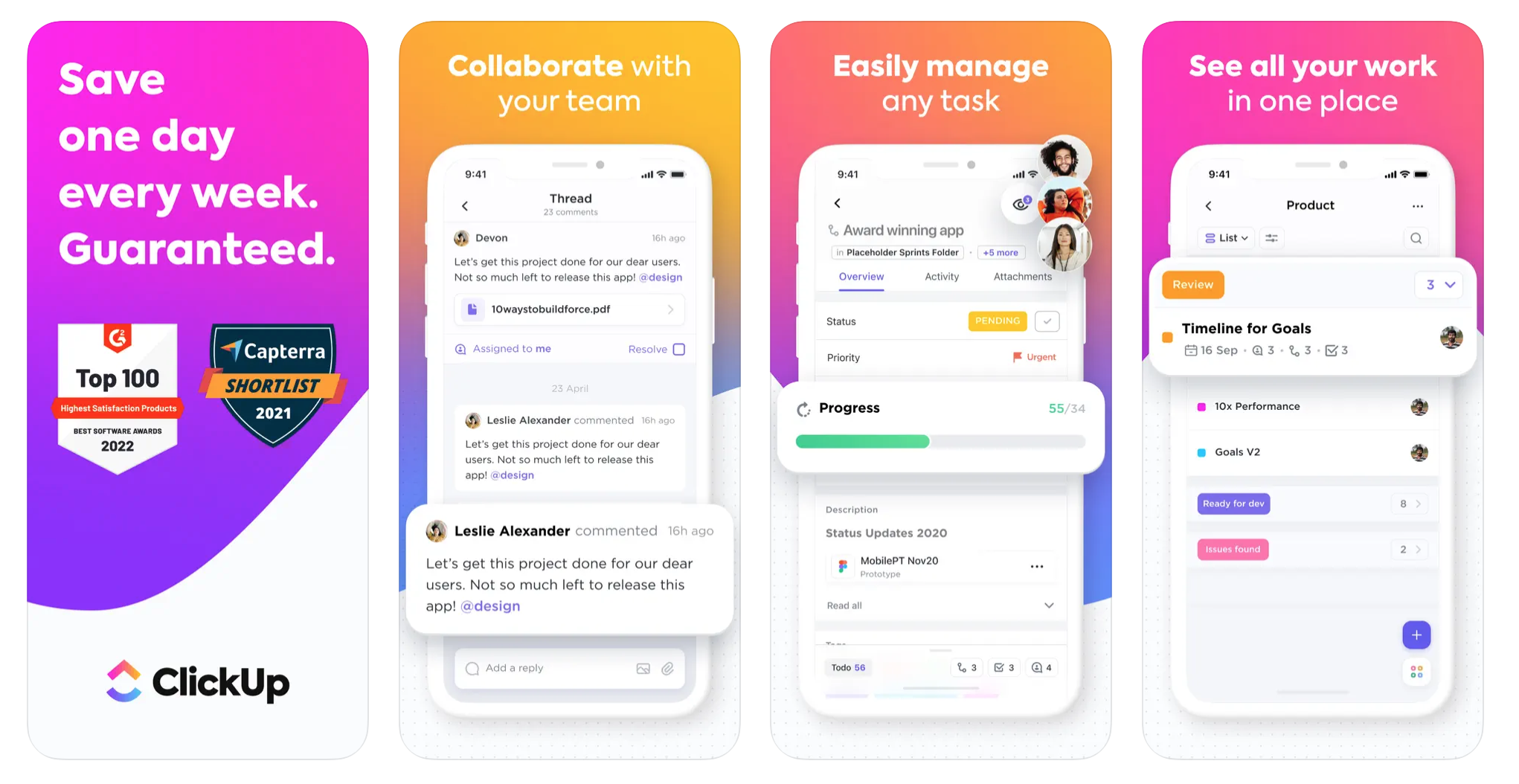
“When keeping track of potential brand collaborators, I use the site ClickUp. This program allows me to create lists, boards, and calendars. I typically create a board for my brand collaborators, which looks like a sales pipeline. Each task lists detailed information about a prospective or current brand campaign. I then drag each task from column to column as I complete each step of the campaign. Although the paid version is ideal for teams working on the same project, the free version works well for one person. I also like to create and schedule the type of content I want to film and edit for the upcoming month. And I can view this as a list or in a calendar format. This helps me plan ahead based on the best performing days according to my IG posts.” – Tinger Hseih, @dashofting, Travel and Food Blogger
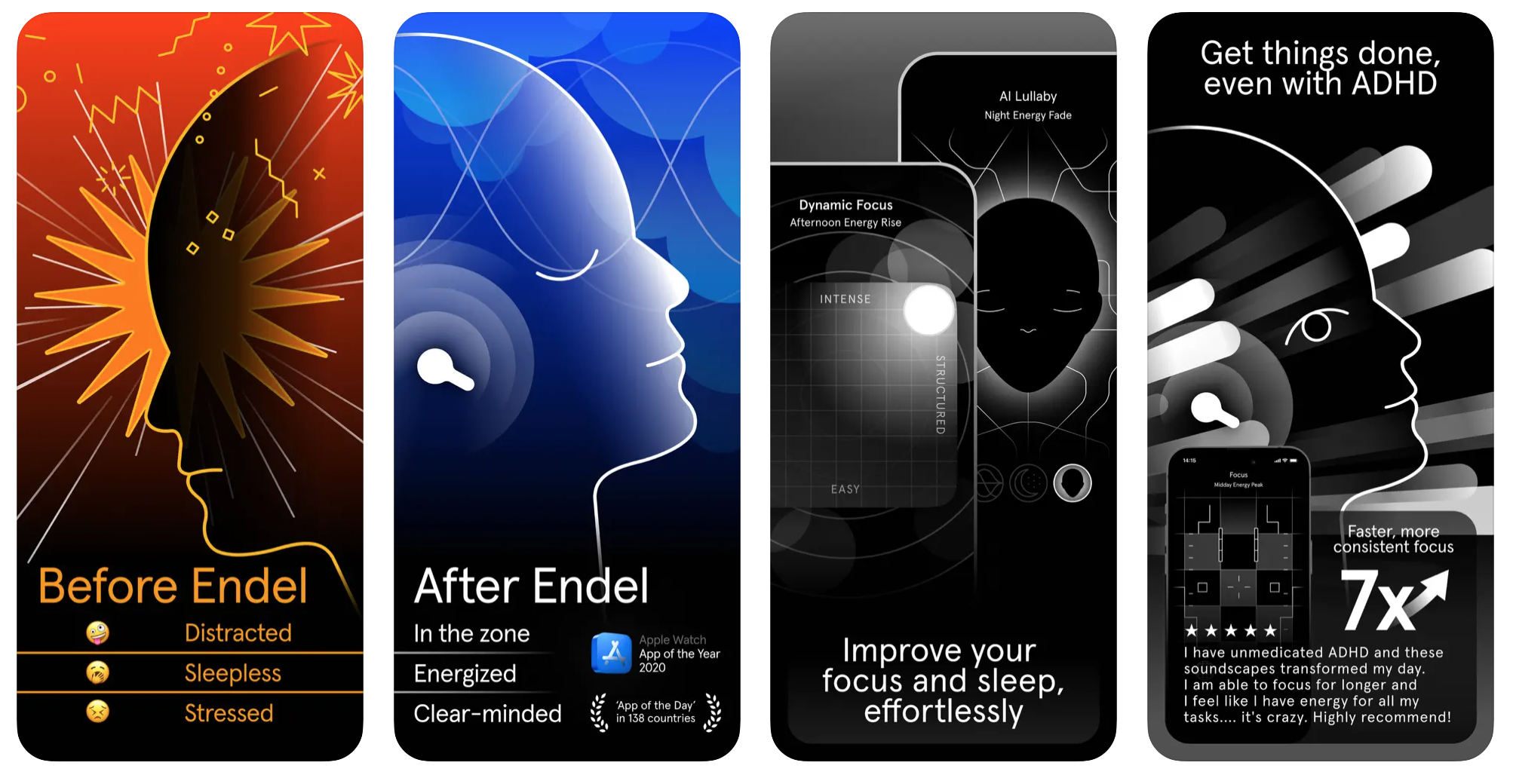
“When my brain is thinking about 10 things at once and I really need to accomplish just one task, Endel has become my go-to solution. The ‘Focus feature keeps me in the zone and motivated, like Adderall for the ears, so I can finish scripts, pitches or other tasks that are important but aren’t always the most fun for us as content creators. There’s also a great Sleep feature for when the day is done and you need to stop thinking about content.” – Jesse Corbin, @thejessecorbin, Fitness Influencer and Member of the Boy Band Project
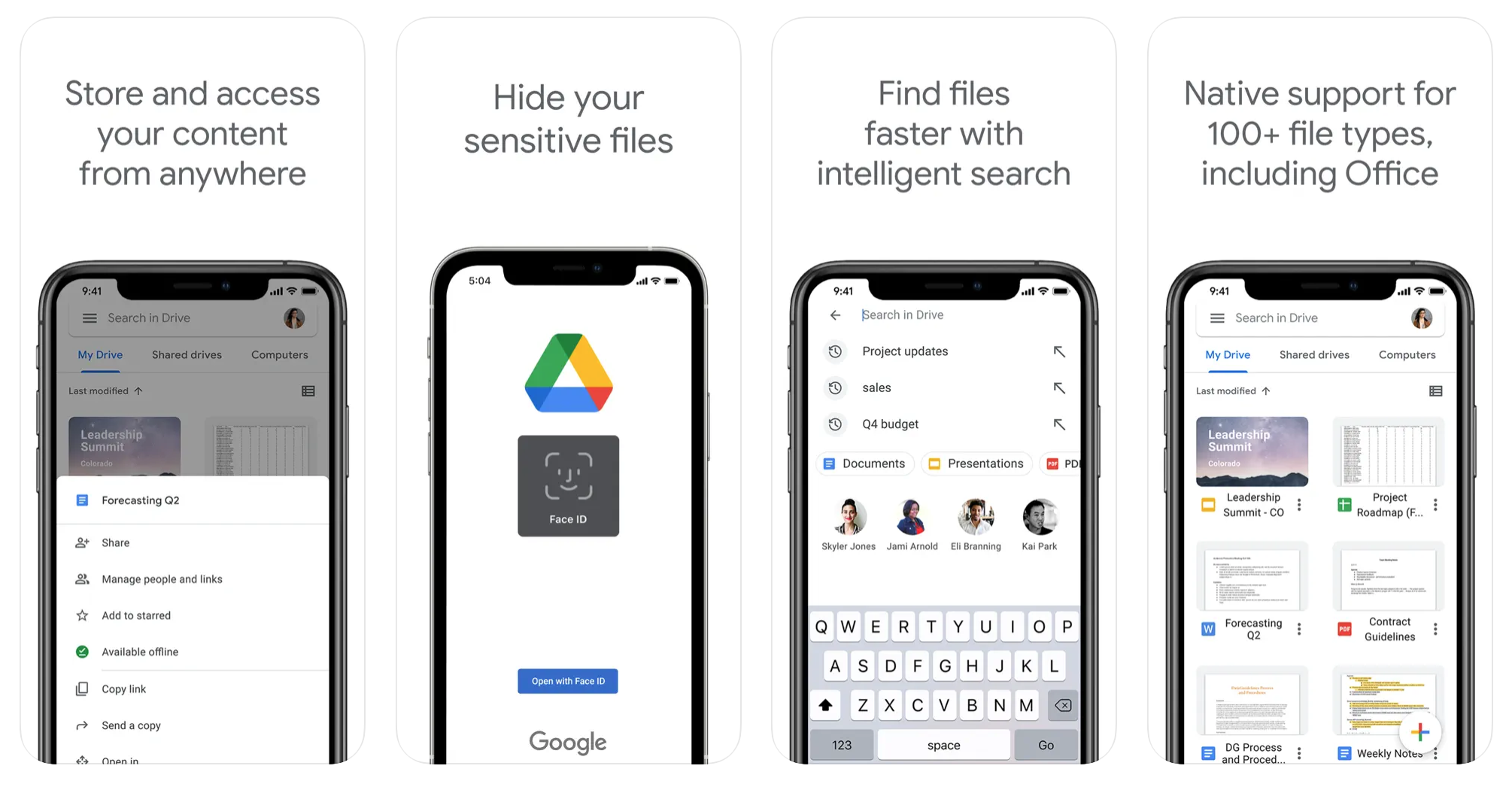
“I host my WordPress site through Bluehost, but I hate the free mail options they offer. Google has affordable packages for a solo blogger like me to subscribe to for services like Gmail through which I can use my domain, get ample storage in Google Drive for sharing digital assets with brand partners, and a great Google Drive app for Mac for easy uploading and downloading through Finder.” – Anthony Mastracci, @thenextgentleman, Men’s Fashion Influencer/Blogger and Senior Commerce Editor for Men’s Journal and PARADE Magazine
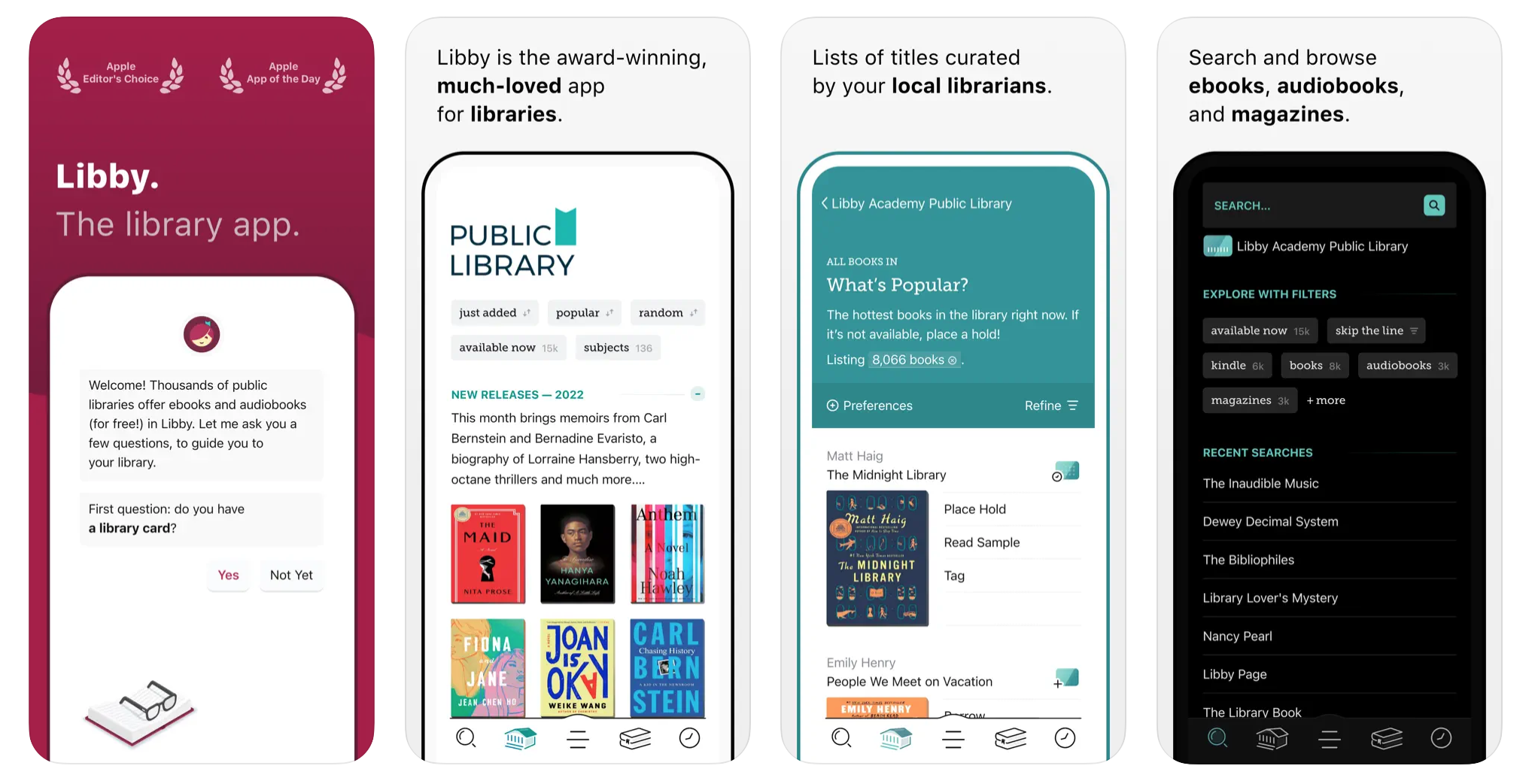
“As a creator, so much of what I think, talk and write about has to do with what I’m learning. I love the Libby app because it allows me to check out audio and Kindle books for free from my local library. I use it to grab some inspiration when needed, get answers to business-related questions, and to read for fun.” – Ashley Feinstein Gerstley, @thefiscalfemme, Personal Finance Influencer and Author of Financial Adulting and The 30-Day Money Cleanse
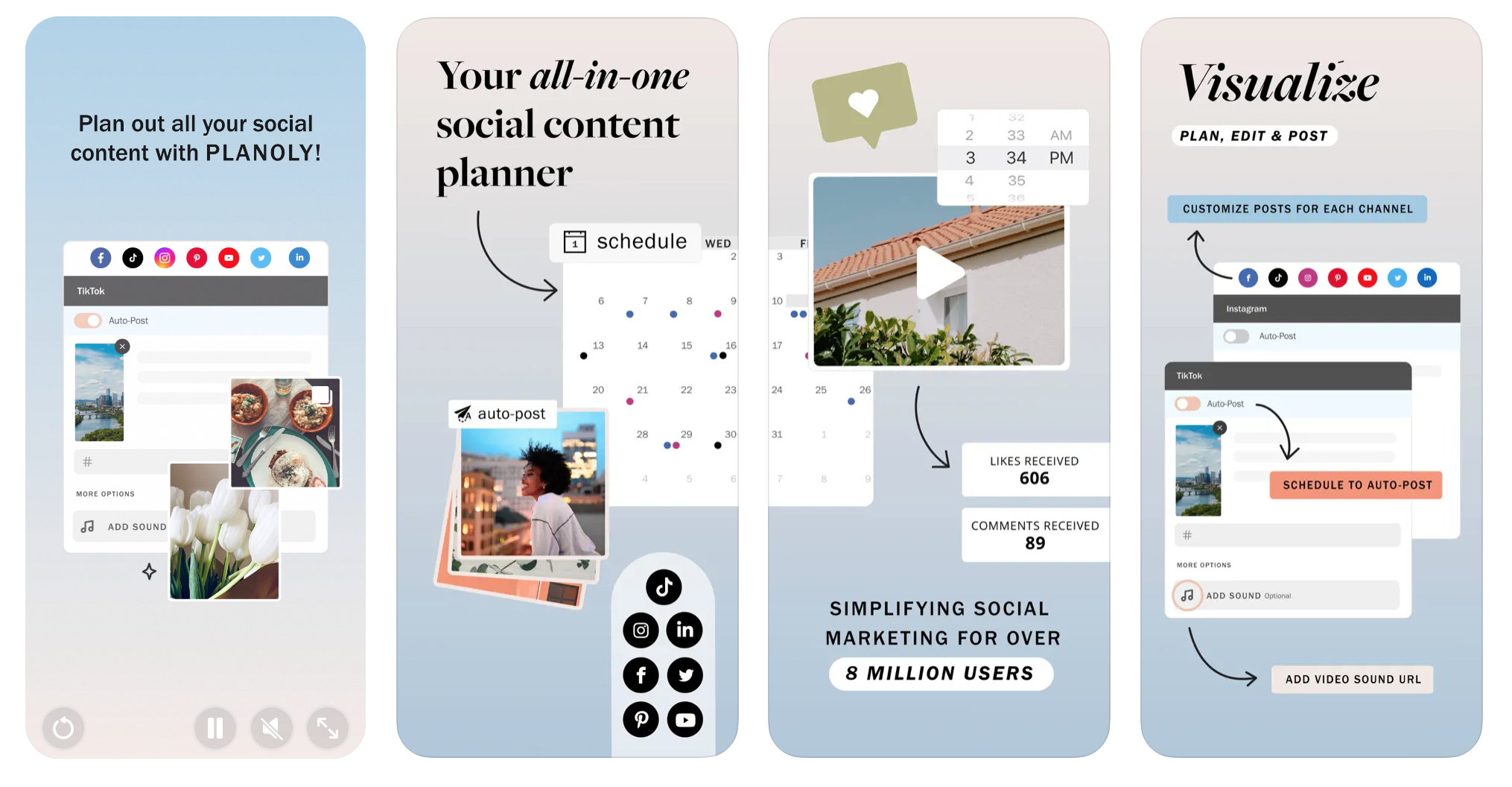
“I use Planoly for bulk scheduling. Its layout is super simple and it lets you ‘plan’ out what your post will look like on your feed and then automates it. I’ll plan a week or two out and move things around if it looks cluttered. It’s also extremely simple to use and doesn’t make me feel bad about not doing other social media since it’s very Instagram-centric! – Emma Willmann, @emmawillmann, Stand-Up Comedienne
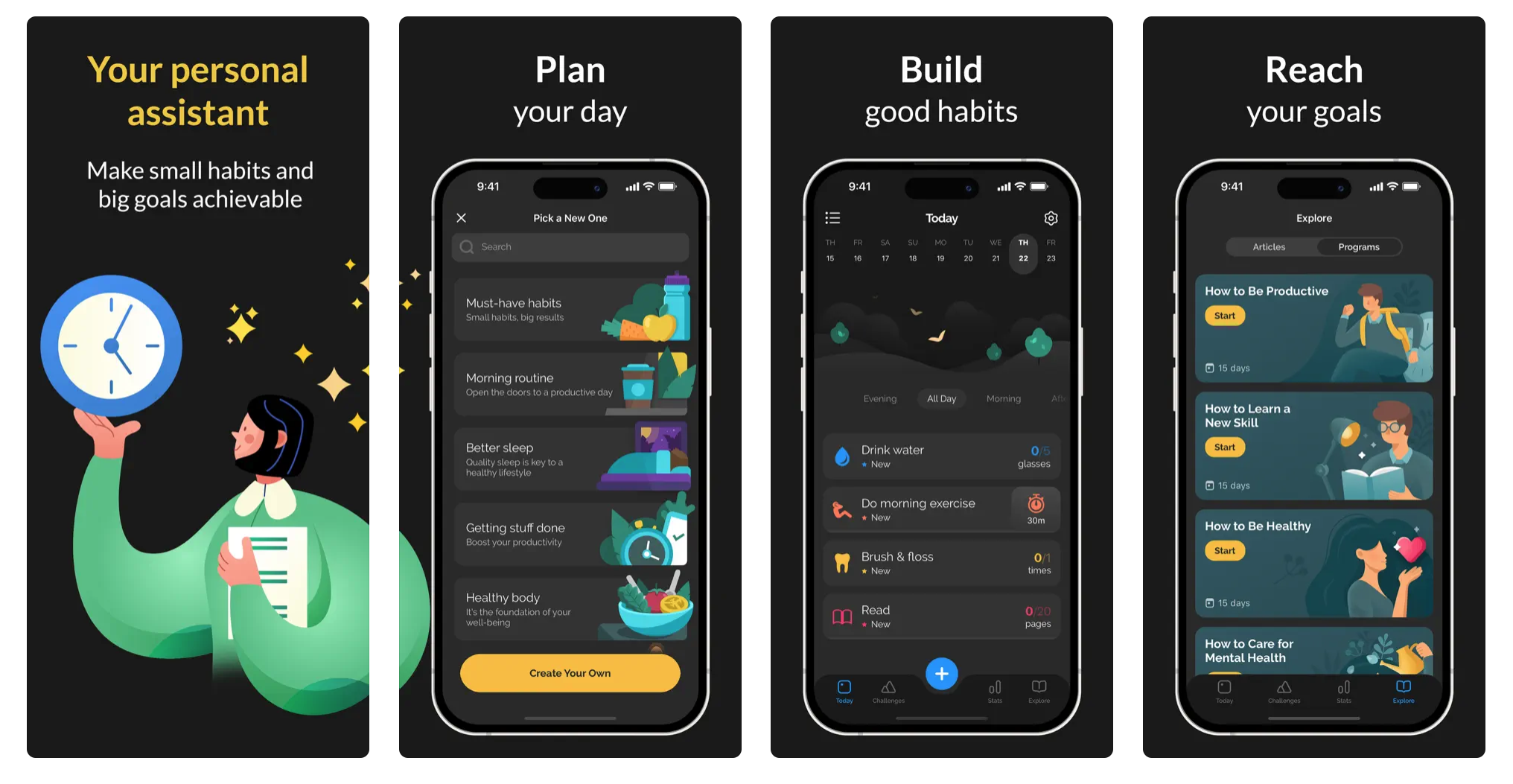
“The overlap of ‘life and work’ is both a pro and con of being a content creator. A con: There aren’t clear lines or boundaries, and every time I pick up my phone I end up ‘working.’ So I’ve been trying to focus on building better habits (and adjusting/eliminating bad ones). Productive is pretty all-encompassing — it can help you with setting work routines and getting to-do lists done, but you can also use it to track/build habits around things like drinking water, reading, or better sleep.” – Jordan Hughes, @highproofpreacher, Cocktail Maker, Visual Storyteller, and Author of Twist

“I’m obsessed with this app. I’m a shopping addict and businesswoman, so this combines my two loves. It also allows me to share links with my followers so that they can purchase what I’m wearing. Just think of me as your unofficial stylist!” – Taylor Strecker, @taylorstrecker, Host of the Taylor Strecker Show and Taste of Taylor Podcast

“If flowers are my medium, music is my muse. I cannot function without it. Aside from keeping me in the zone while arranging or event planning, it fuels my creativity. Making seasonal playlists to set the mood and vibe is my jam. So queue up Spotify, baby!” – Tiffany Gabrus, @thesweetzerlife, Floral Artist
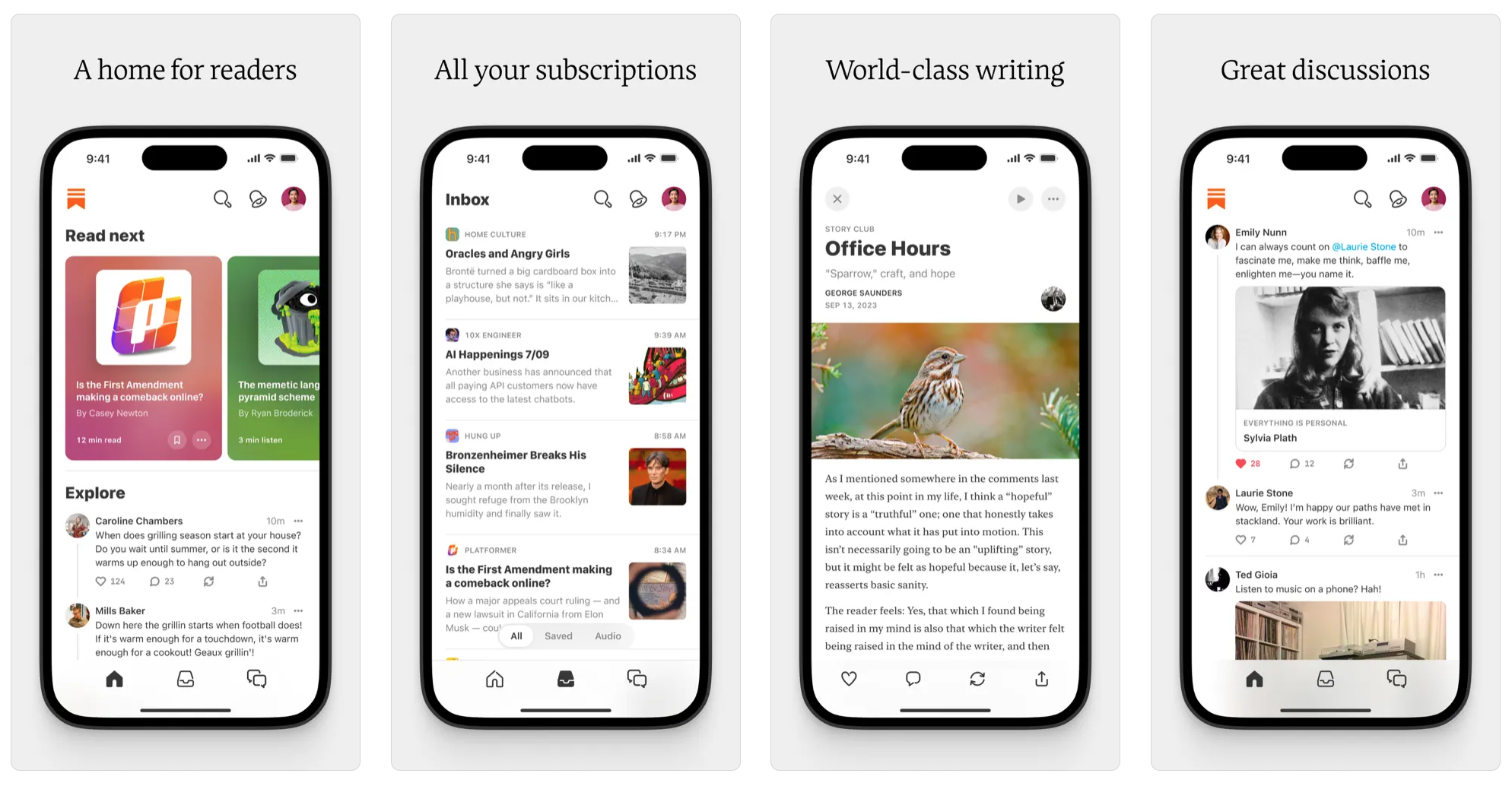
“A few years ago I started a newsletter, and it’s evolved pretty quickly from what I expected it ever could be. While I began on Mailchimp, a few months ago, I switched over to Substack — a decision I truly wish I had made sooner. The Substack interface is so much cleaner and it helps me keep everything in one place for all the stories I want to tell. I also love Substack as it connects me with other writers. When you open the app, the latest posts from people you follow pop up which allows me to constantly keep my finger on the pulse not only in my industry of travel, wine and spirits, but also in genres that overlap with those beats. Newsletters are such a fantastic way to connect with an audience on a deeper level than social media — though I may post about my trip on Instagram, not all of my broad followers want to know about where I eat or how I got there, yet the beauty of a newsletter is that subscribers sign up — and when they opt in, they know what they’re getting themselves into. This equates to a more concentrated audience and response rate of my stories resonating with like-minded readers.” -Jillian Dara, @jilliandara, Travel, Wine+Spirits, and Culture Journalist

“Sunsama is the best time management tool to replace all the others you’re using. It’s an all-in-one daily task manager that organizes all tasks, meetings, emails, and projects in one place. I also did a YouTube video explaining how I use it.” – Sade Kelly, @sadekelly_, Time Management Coach
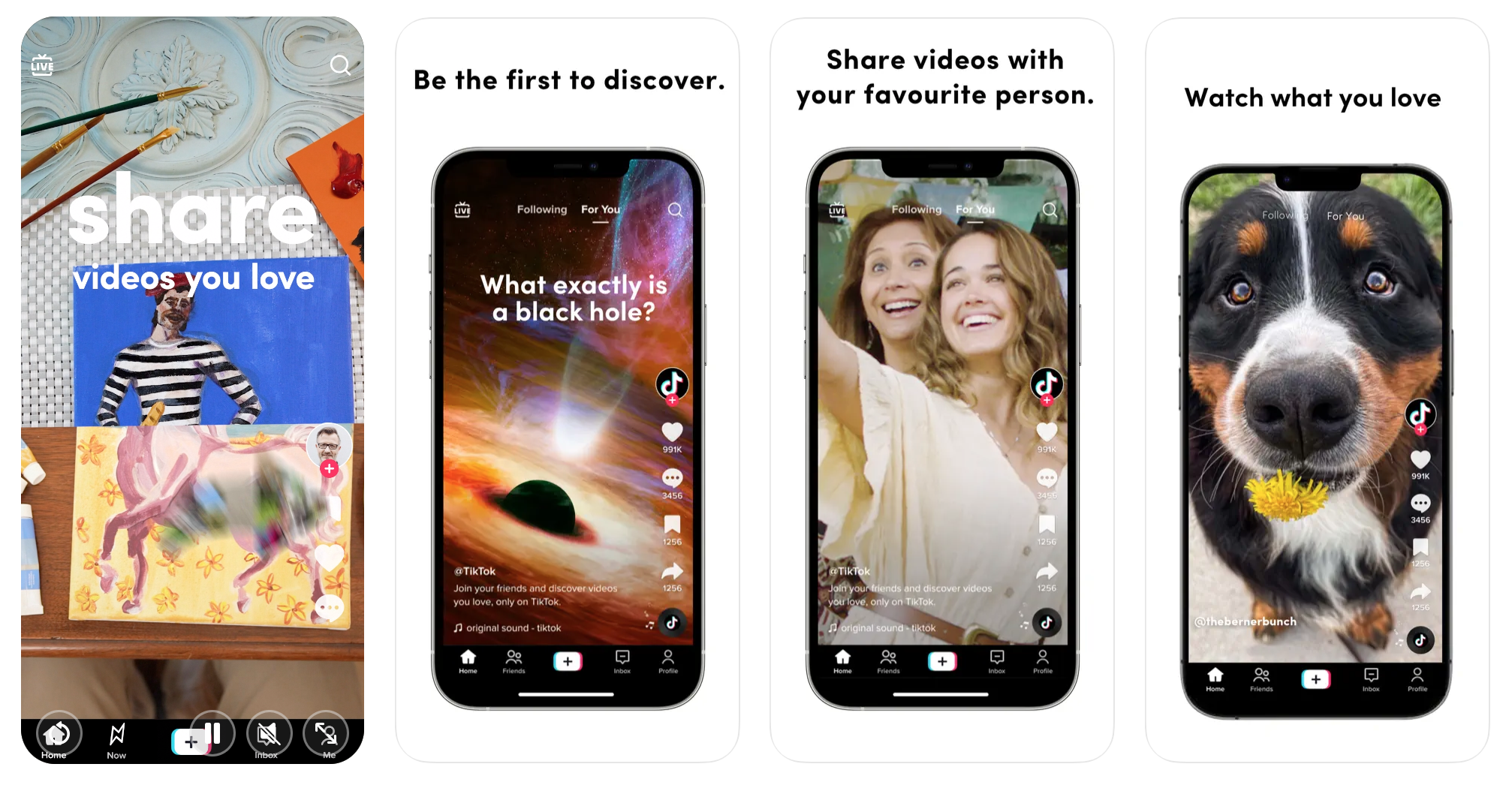
“From the amazing recipes I find daily, to the workouts, motivational videos, DIY videos, TikTok is like the new Google! it hasn’t failed me yet. I find myself on there looking for 30mins & it can easily turn into 2hrs. So much content & things you probably would’ve never thought of!! It’s definitely a app. I could BUT don’t want to live without!” – Amber Wagner, @jstlbby, Motivational Influencer, Entrepreneur, and Host of the Jst Us Podcast
“I use TikTok to find fun content ideas, learn new video styles, and I also feel more willing to experiment freely.” – Sam Gach, @samgach, Fitness Influencer and Creator of Stretch app

“I love the app Timeshifter! It was developed by sleep medicine experts who really know jet lag strategies well. You put in your flight/travel times and locations and it will come up with a customized plan for when you should advance/delay your bedtime just before going, when to have caffeine, when to potentially take melatonin, and when to get light exposure or use sunglasses. It is pretty amazing.” – Shelby Harris, PsyD, DBSM, @sleepdocshelby, Behavioral Sleep Doctor

“As a travel-savvy content creator, Waze is my indispensable travel companion for time management while on the road. Much more than a conventional navigation application, it’s my go-to for optimizing my journeys domestically and abroad. It’s my compass through uncharted territories with real-time traffic updates, crowd-sourced road information, and dynamic rerouting capabilities to traverse unfamiliar cityscapes seamlessly. For instance, when I embarked on a whirlwind exploration of hidden gems to find the perfect photo opps in Thailand, Waze not only guided me through crowded streets but also alerted me to potential bottlenecks, ensuring I made the most of every moment.” – Kinya Claiborne, @kinyaclaiborne, Founder and Editor-in-Chief of STYLE & SOCIETY Magazine

Whether we like it or not, there is a demand for video content on social media sites like TikTok, Instagram, and YouTube. Videos are an excellent way to enhance a brand and get a better sense of the creator’s personality, interests, and talents.
But the process of recording and editing videos can be quite time-intensive and even intimidating, especially when there are dozens of apps to choose from.
To help narrow your search, we interviewed 10 influencers from all walks of life to share their favorite tools and explain why. Once mastered, these are the apps that can help you churn out videos daily so that followers can engage and get a firsthand look into your life and/or creative potential.
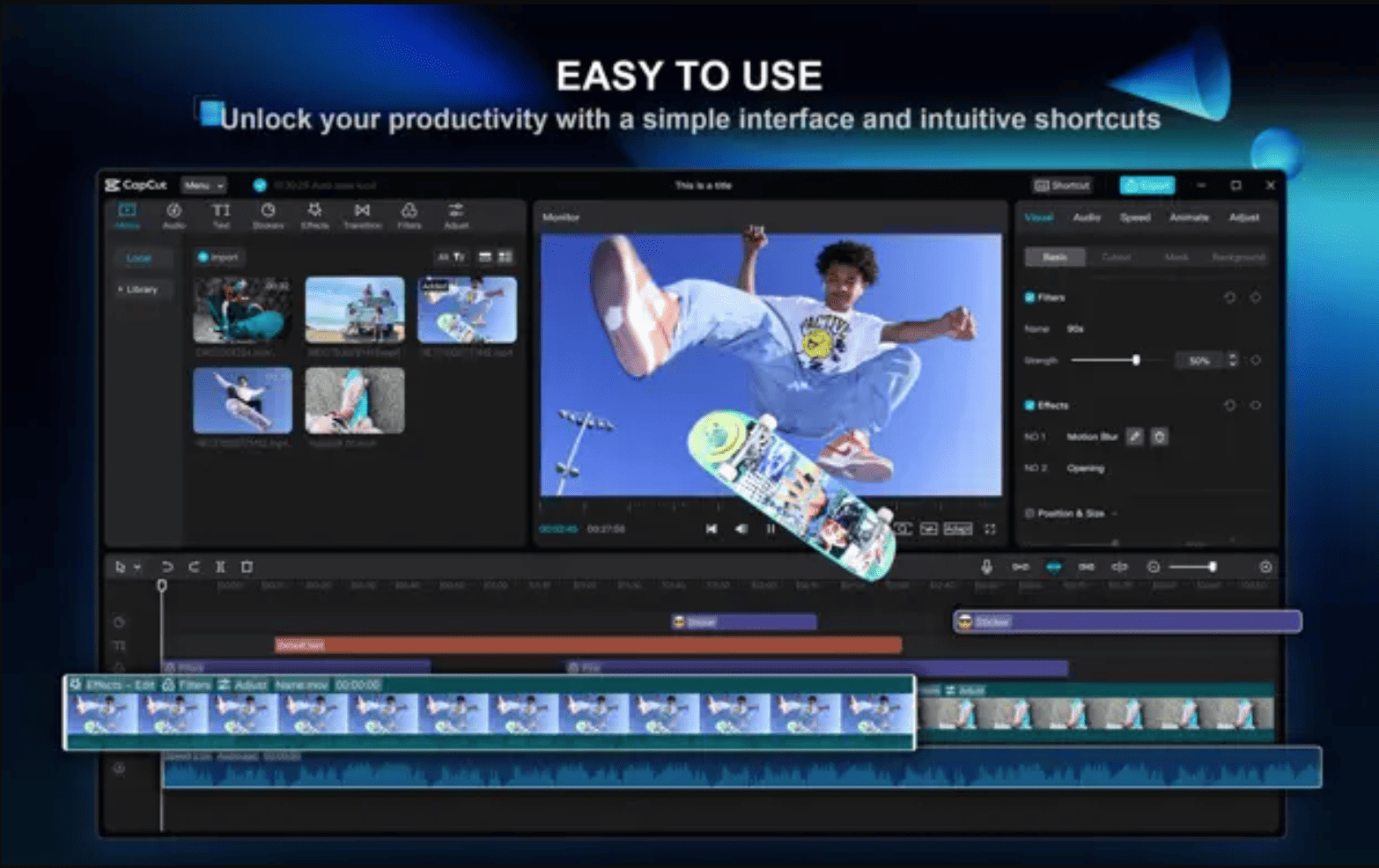
“CapCut has been a game changer for me for editing videos. I have never lost a draft in the middle of editing, the font options are great, and it has helped me create crisper, clearer videos with its output settings and color correction features. A lot of creators know about CapCut, but I don’t think those output settings are common knowledge. To make my videos sharper, I shoot in 4K and 60fps on my iPhone. After I edit my video in CapCut, I change the output settings to 2K/4K resolution and 60 frame rate. I also hit adjust, sharpen, and slide it to 20. It makes such a big difference.” – Brandi Laren, @destinationfab, Travel and Lifestyle Influencer
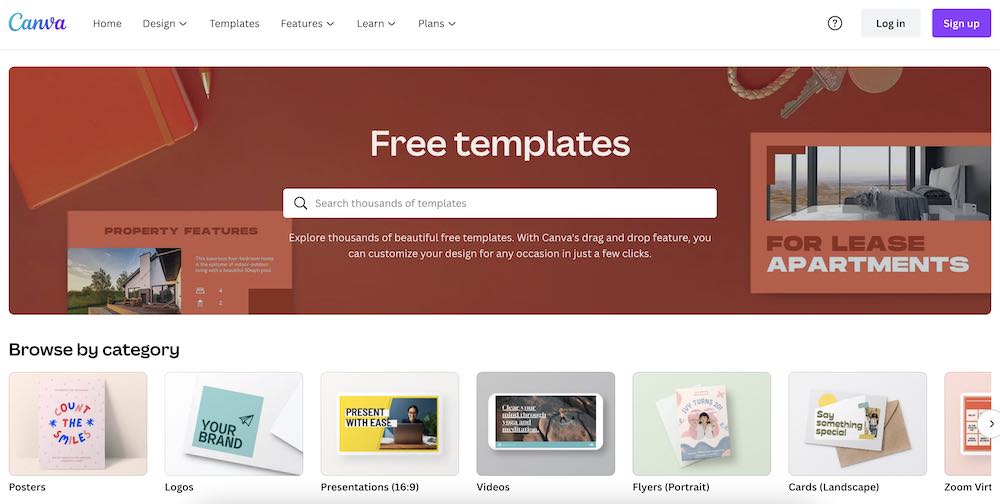
“Between work (being an editor) and a content creator, Canva are Adobe are two I can’t live without! Canva helps me prep everything visual, from social posts to editorial images, for articles. Adobe helps me create those images the easiest.” – Sidnee Michelle Douyon, @sidmich_, Lead Senior Digital Editor at Black Enterprise
“I use Canva for literally everything! And Canva Pro is the way to go if you’re a weekly user.” – Joanie Sprague, @joaniesprague, DIY Expert
“Mine are Screen Recording and iMovie, as much as it pains me to admit it. I could not create without them. Any clip or quote I need from either me or somebody else that I want to promote, I find on YouTube or somewhere online and just screen record and upload it into iMovie. I then throw some captioning and background music on it and it’s a Reel.” – Erin Washington, @iamerinwashington, Host of Squats & Margaritas Podcast
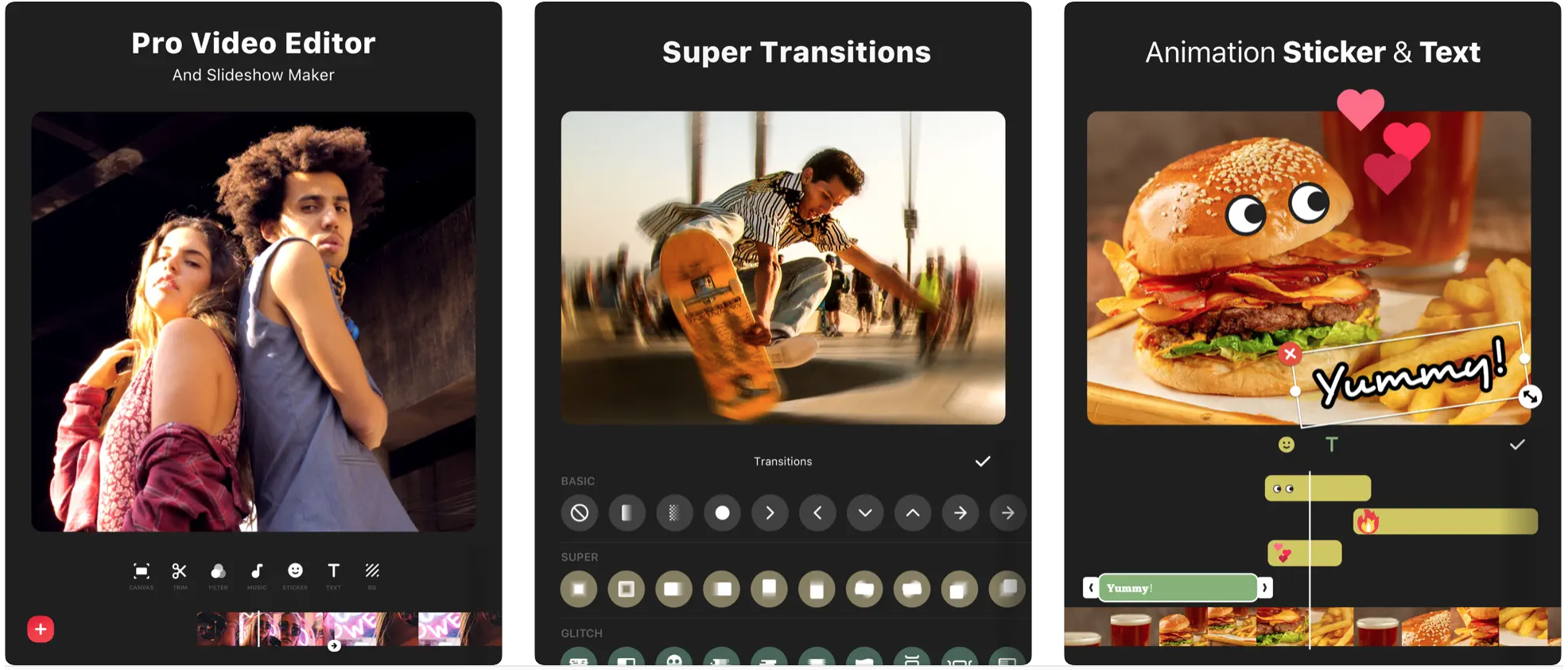
“InShot is my holy grail app. I use it for all of my video editing. And since video makes up about 90% of my content these days, I use it daily. I love that I can do everything in one app — cutting down and rearranging clips, manipulating the colors and lighting to make the food shine, and even adding voiceover and text.” – Justin Schuble, @justinmschuble, Food Influencer
“It’s one of my favorites! I use it to edit, record voiceovers and add in all effects. It’s my top app for editing and I cannot live without it. Plus, it keeps all your videos you’ve edited in a separate folder so they are organized and easy to find.” – Lindsay Stewart, @thelasvegasfoodie, Food Influencer
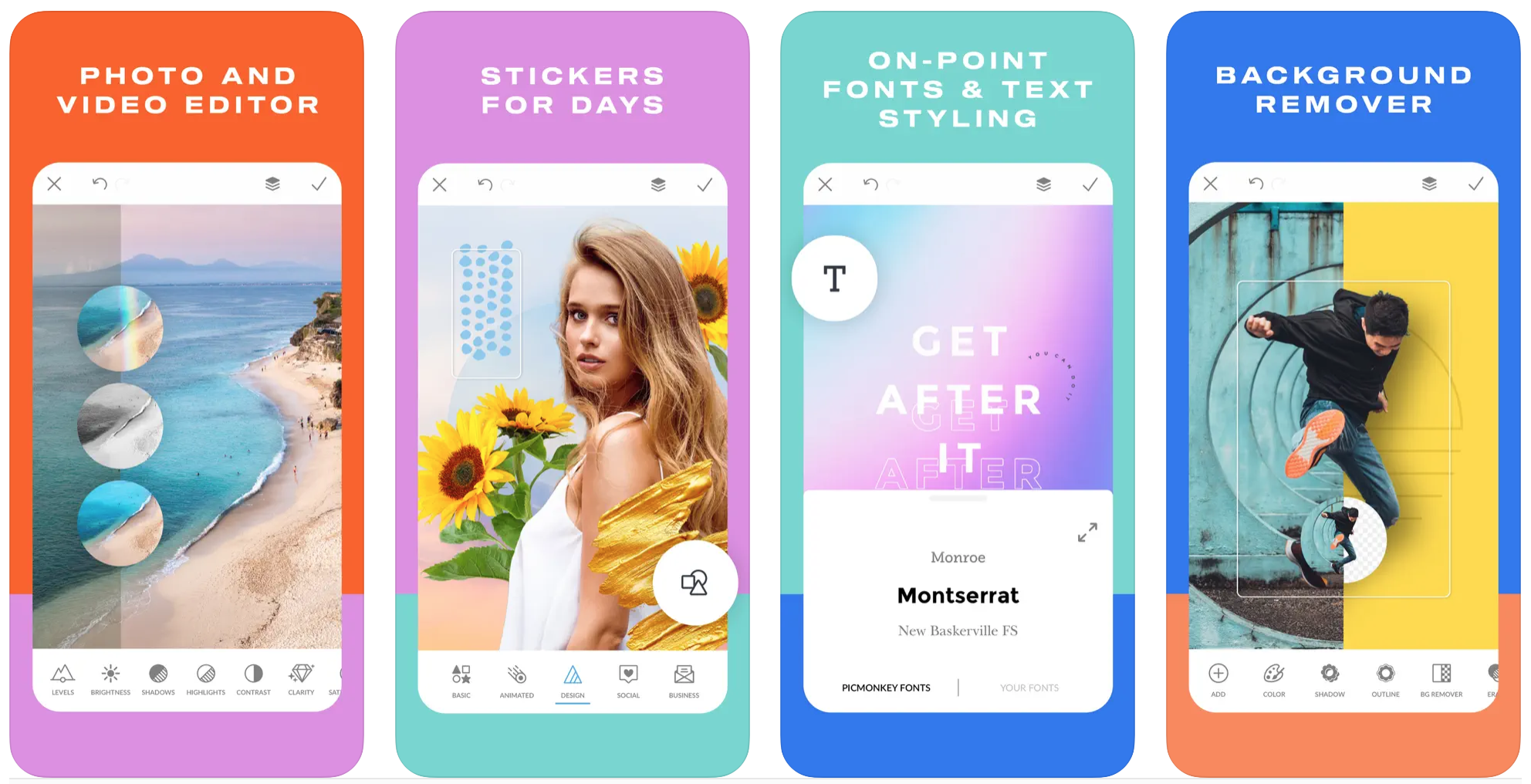
“PicMonkey is a super user-friendly Photoshop for people who don’t really know how to use Photoshop. It has canvas sizes set to different social media post formats and has a million different fonts, templates, and backgrounds. It is really easy to create layers, import/edit photo and video files (as well as adding in your own font files) and remove backgrounds from photos. It also has a partnership with Shutterstock so you have access to basically any stock photo or video asset you could ever need. We create a lot of our story content on PicMonkey, as well as our media kits and design prints we end up ordering to carry in our shop.” – @iamthirtyaf, Millennial Influencer
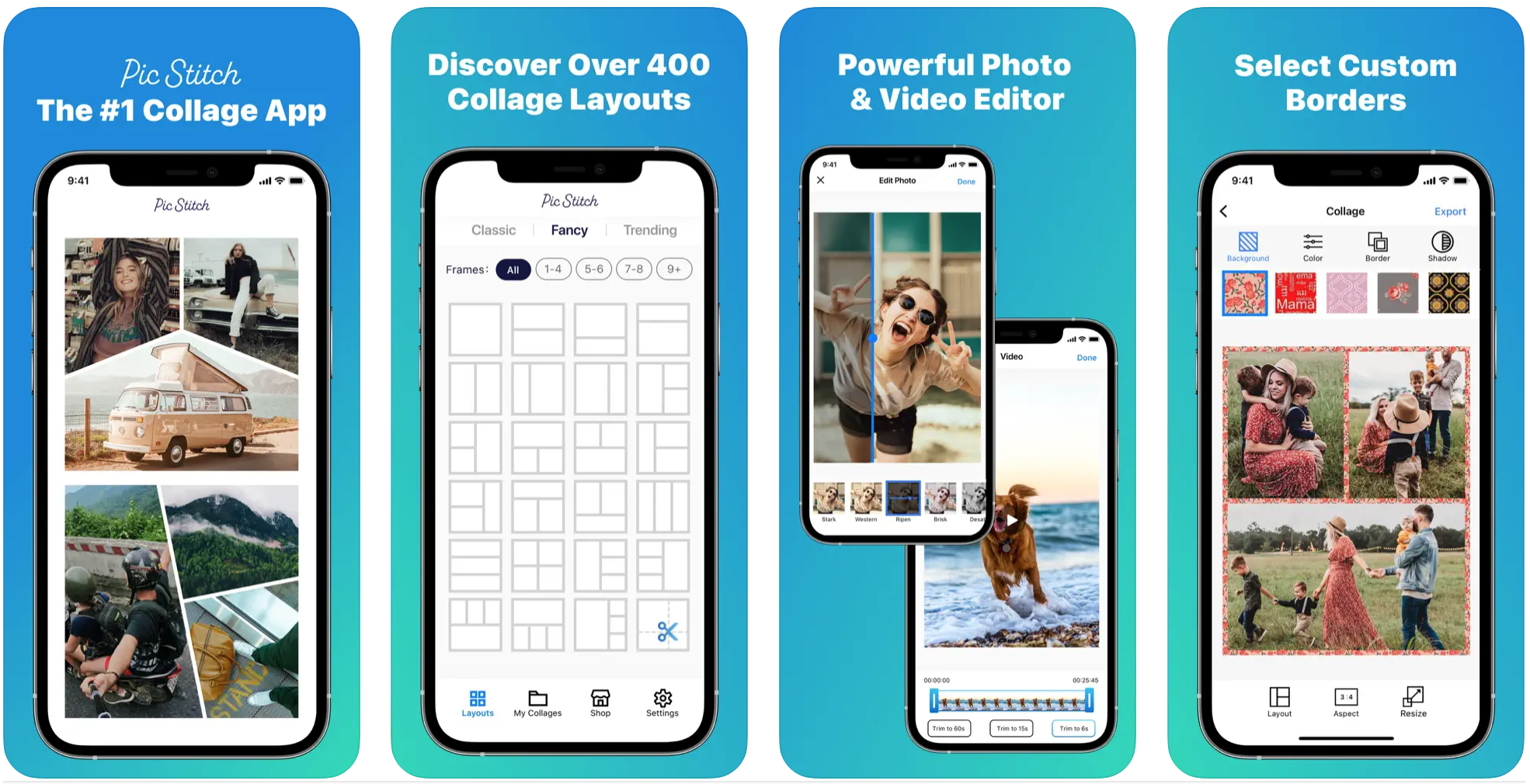
“I use Pic Stitch a lot because it can size both video and photos to what I need, depending on where I’m posting. It may be more popular than I realize but it’s always been a go-to for me!” – Anna Roisman, @annaroisman, Comedienne
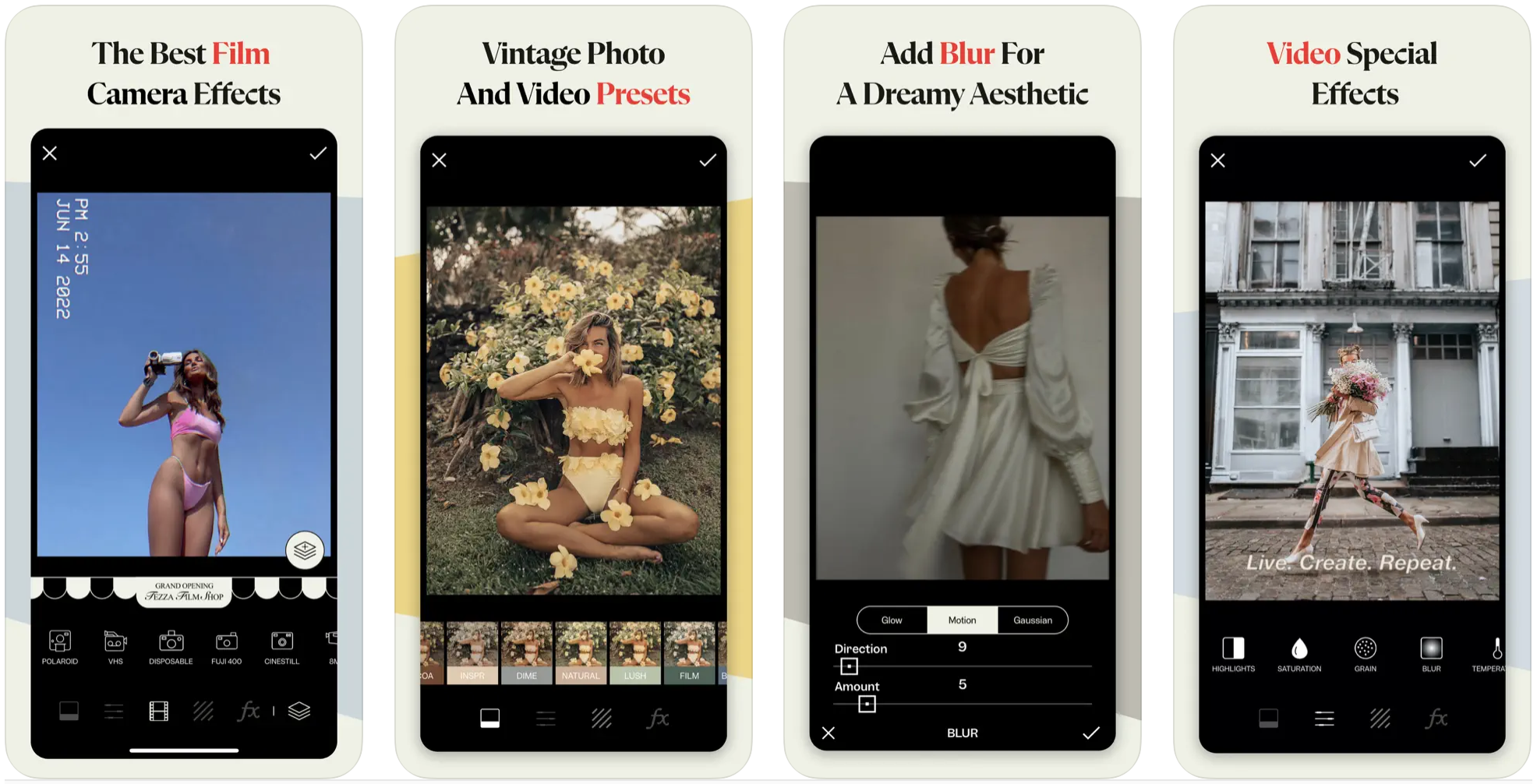
“I often use Tezza and Vixer for editing and videos. I think Vixer is pretty user-friendly and simplifies trimming videos quickly. And then Tezza I’ve had for years and I like adding tiny bits of a Polaroid-film/blur look or Fiji film grain to give the photos some interest. I don’t always have time to do either of these but I’ve liked the results, for the most part, when I have.” – Hanna Griffin Carajal, @hmgriff11, Fitness and Lifestyle Influencer
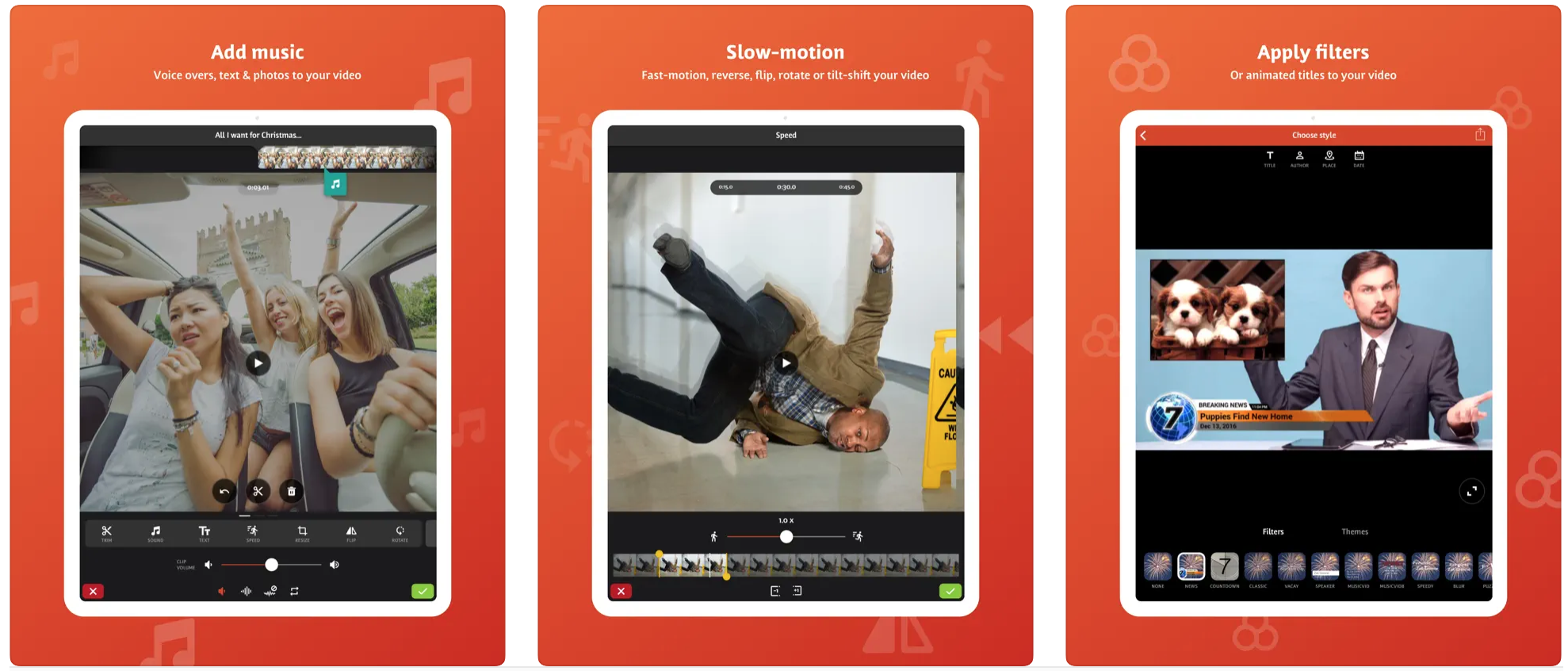
“Videoshop is a must for me. It provides a very clean user interface that’s direct and to the point. The app gives a ton of control over your video, including full volume control to avoid jump-scaring your audiences on socials.” – Angel Vivaldi, @angelvivaldiofficial, Musician