Thank you! Your submission has been received!
Oops! Something went wrong while submitting the form.
MENU

It's been interesting to watch AI change the video editing industry over the last year. With video content demand growing and it being the most popular and in-demand type of content across many different platforms, optimizing your video creation and editing process has never been more crucial. That's where AI and AI video tools come in handy.
From speeding up the editing process to helping you produce high-quality videos with less effort and smaller budgets, AI video editing tools can be a huge help. Automating time-consuming tasks like cutting clips, color correcting, and adding subtitles with AI leaves much more time and capacity for you to focus on the bigger picture and the creative part of video creation.
Whether you're a video editing novice or a seasoned pro, integrating AI video editing tools into your workflow can offer great benefits and help elevate your video creation game to the next level. So, let's talk about the best AI tools for creators and how to utilize them to enhance your content creation.
So, what exactly are AI video editing tools, and how does AI come into play when it comes to editing videos? Well, AI video editing involves using machine learning in video production to make the whole process easier, faster, and, in some cases, more affordable. Instead of doing all the video enhancing and tweaking by yourself, you outsource it to AI to do the heavy lifting.
While AI is not yet advanced enough to do the whole video editing process for you, it still has plenty of useful tools to make the video editing process easier. For example, auto-cutting can help trim unnecessary footage, saving you hours of time. Another feature is color correction, where AI balances the color, lighting, shadow, and other visual aspects of the video so it looks consistent overall. But that's not all – you can use AI for transcription, removing video backgrounds, adding transitions, and much more.
Using AI in your video editing workflow has some major perks. It can save you hours of time, speed up repetitive tasks, and help your videos look more professional and high quality. Also, certain AI video editors have features like adding captions or even offering video translations, which can elevate your video content and help add more value to your content at no extra cost.
If you're looking for the best AI video editor to help you enhance your video editing workflow, here are five tools you want to check out:
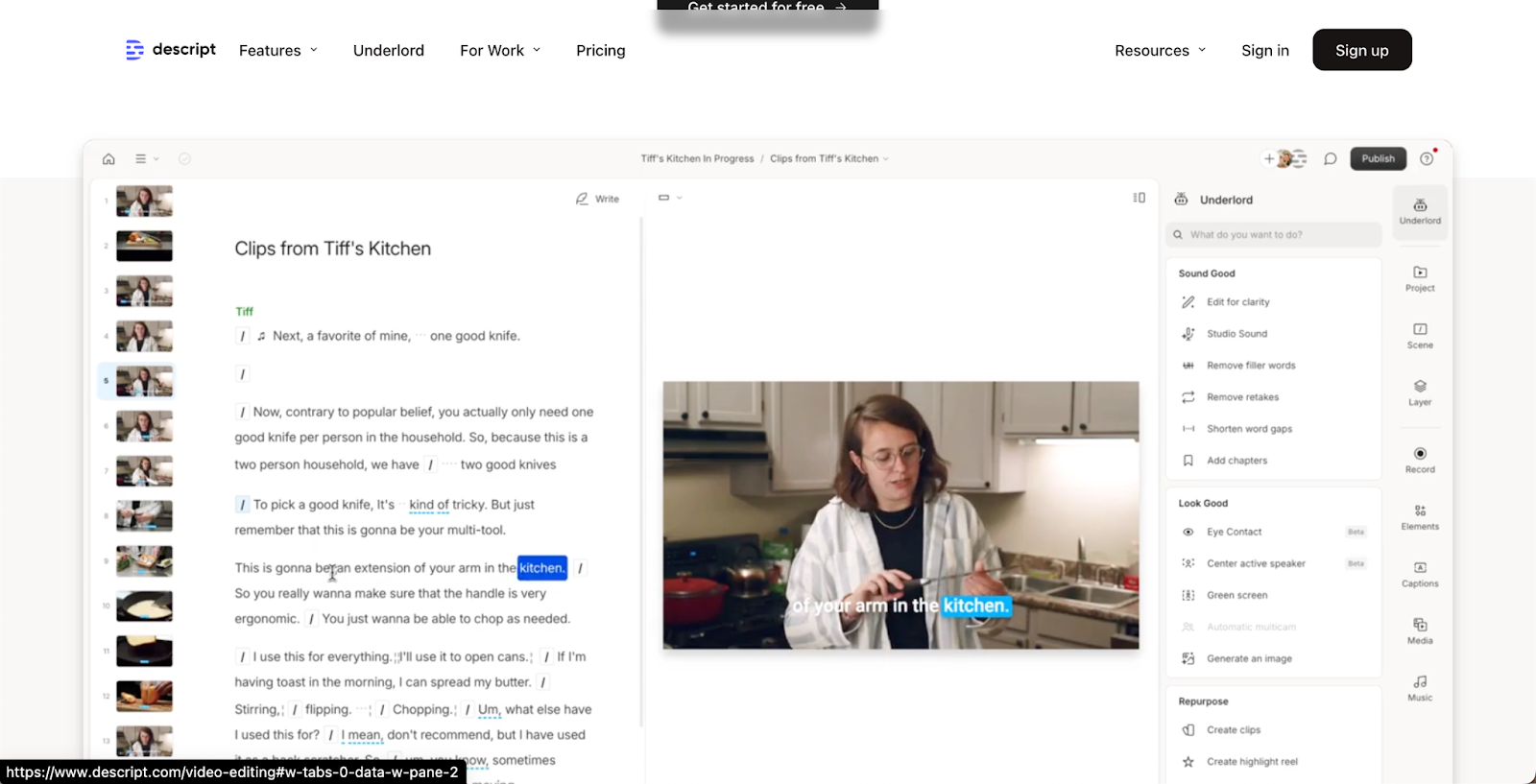
Best for: Automated editing and content repurposing.
Key features:
Pricing:

Best for: Enhancing video quality and effects.
Key features:
Pricing:
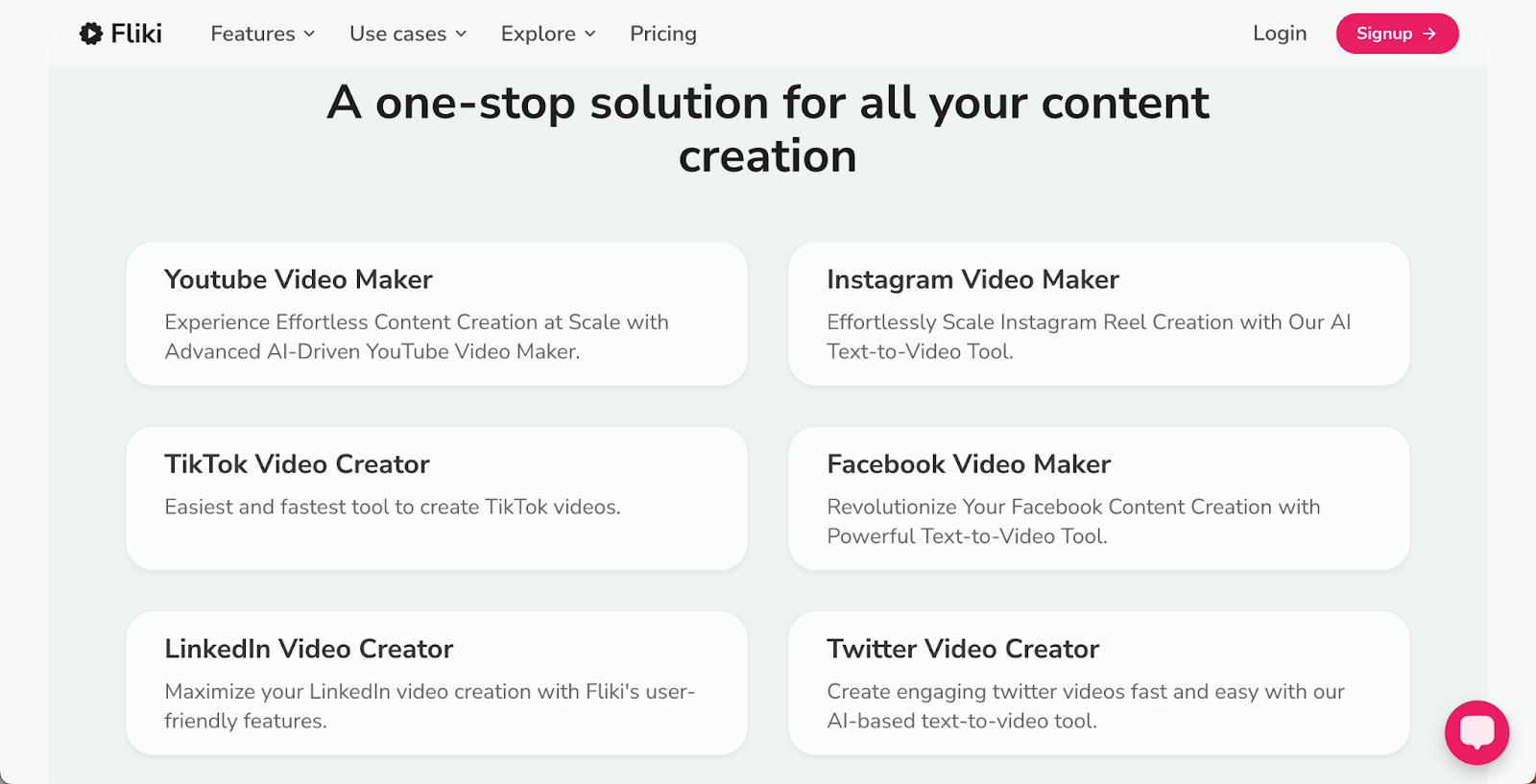
Best for: Social media video creation.
Key features:
Pricing:
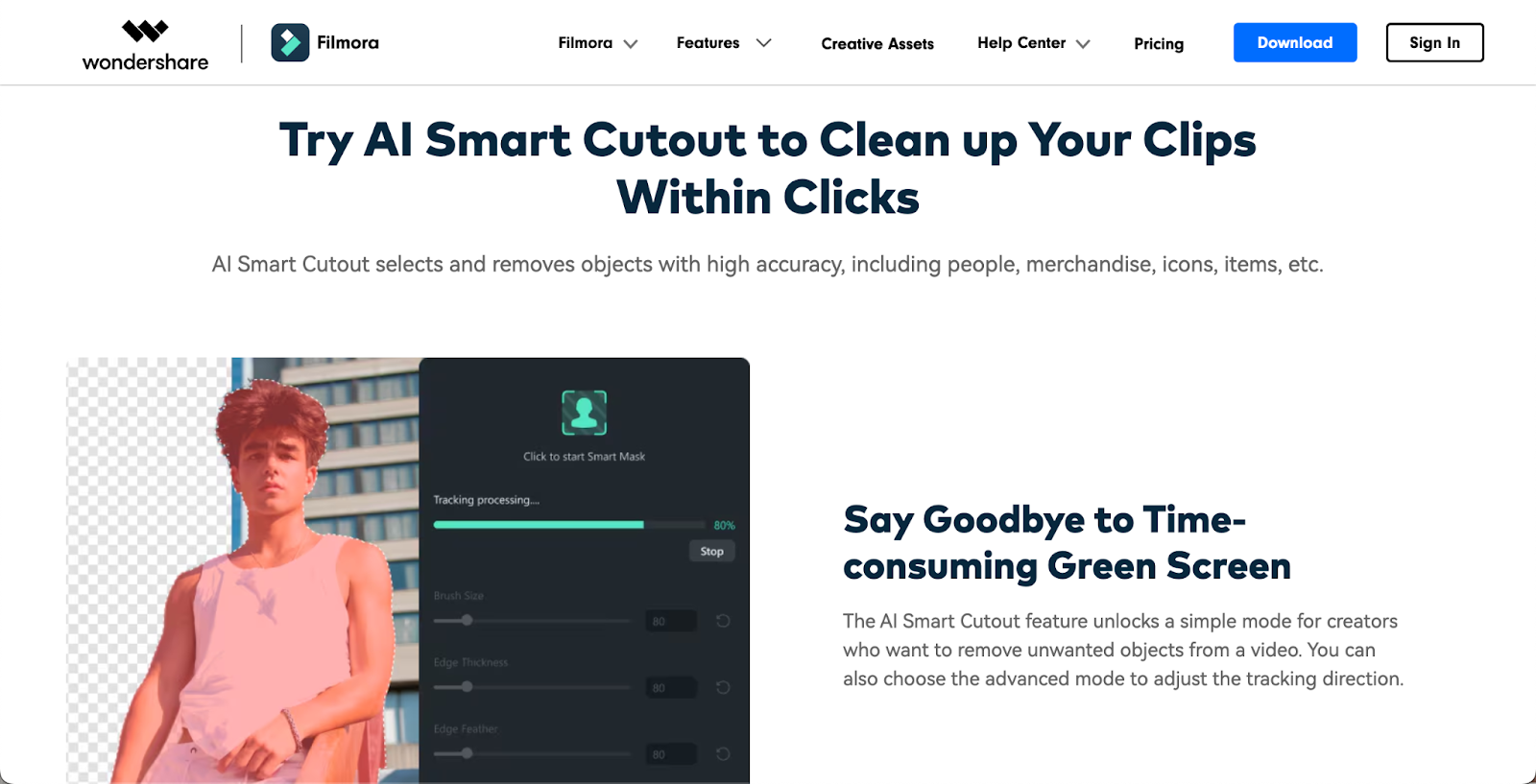
Best for: Long-form video content and courses.
Key features:
Pricing:
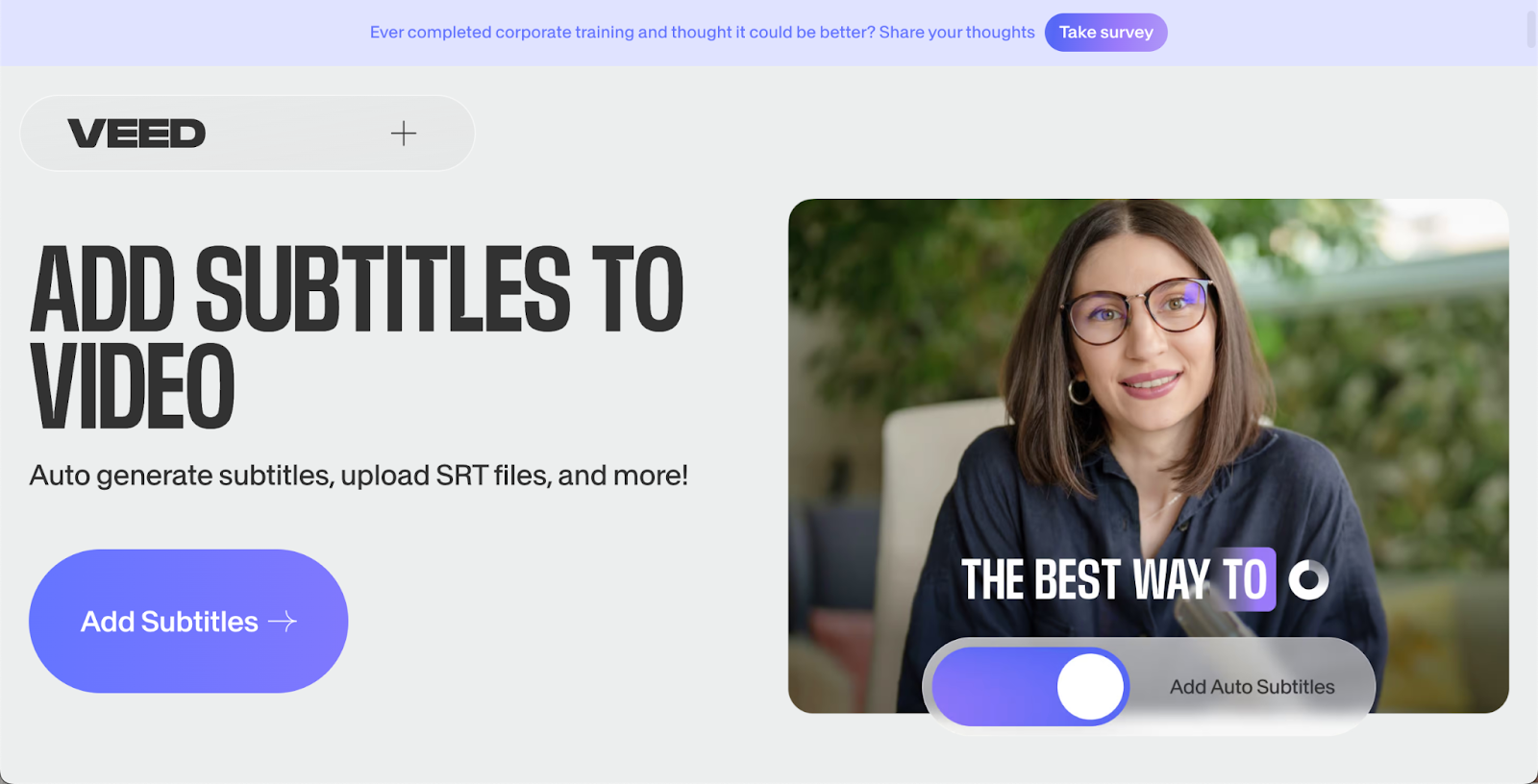
Best for: Subtitle generation and localization.
Key features:
Pricing:
If you're looking for an AI-powered video editing tool to fit your specific needs, look no further:

Key features:
Pricing:
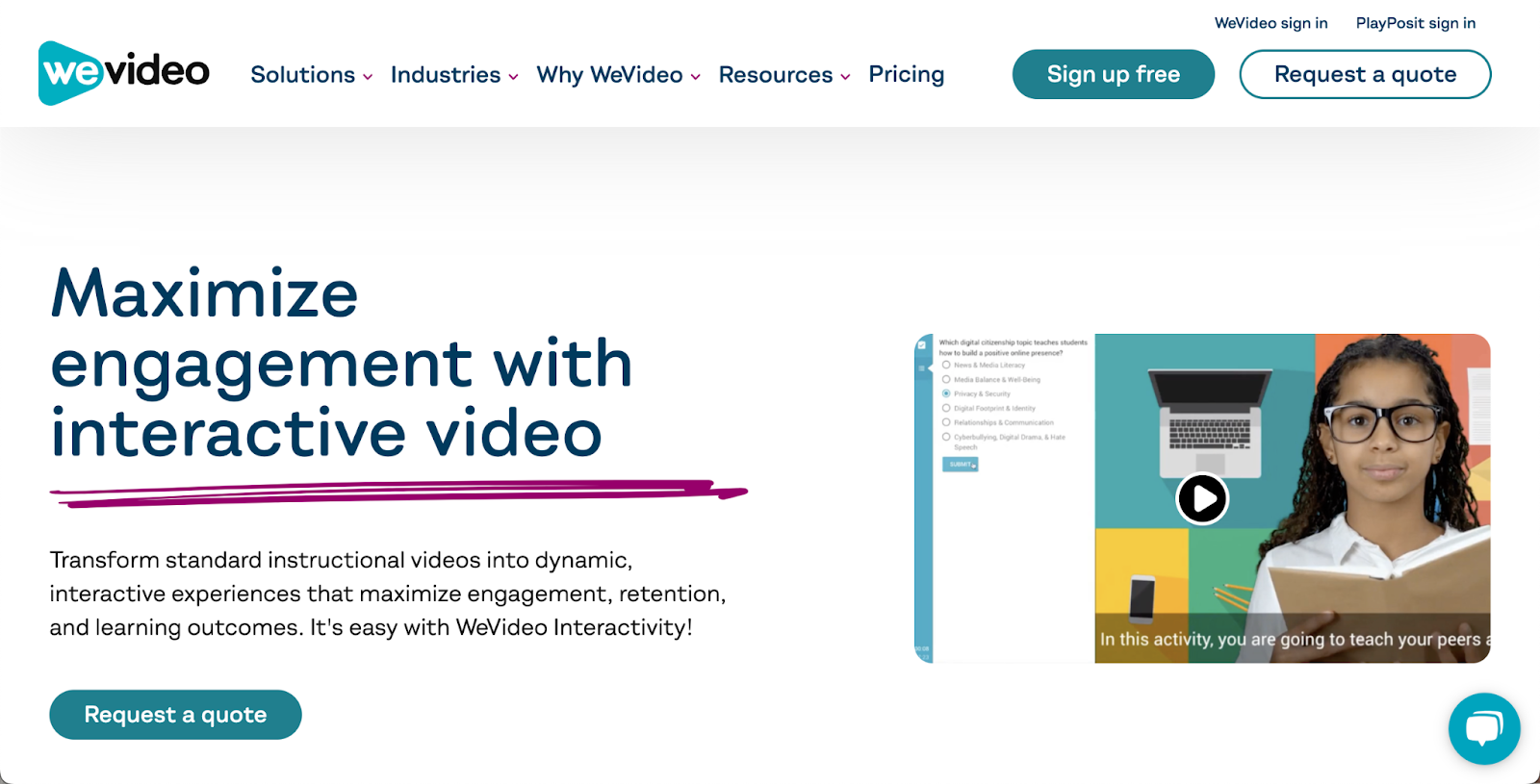
Key features:
Pricing:
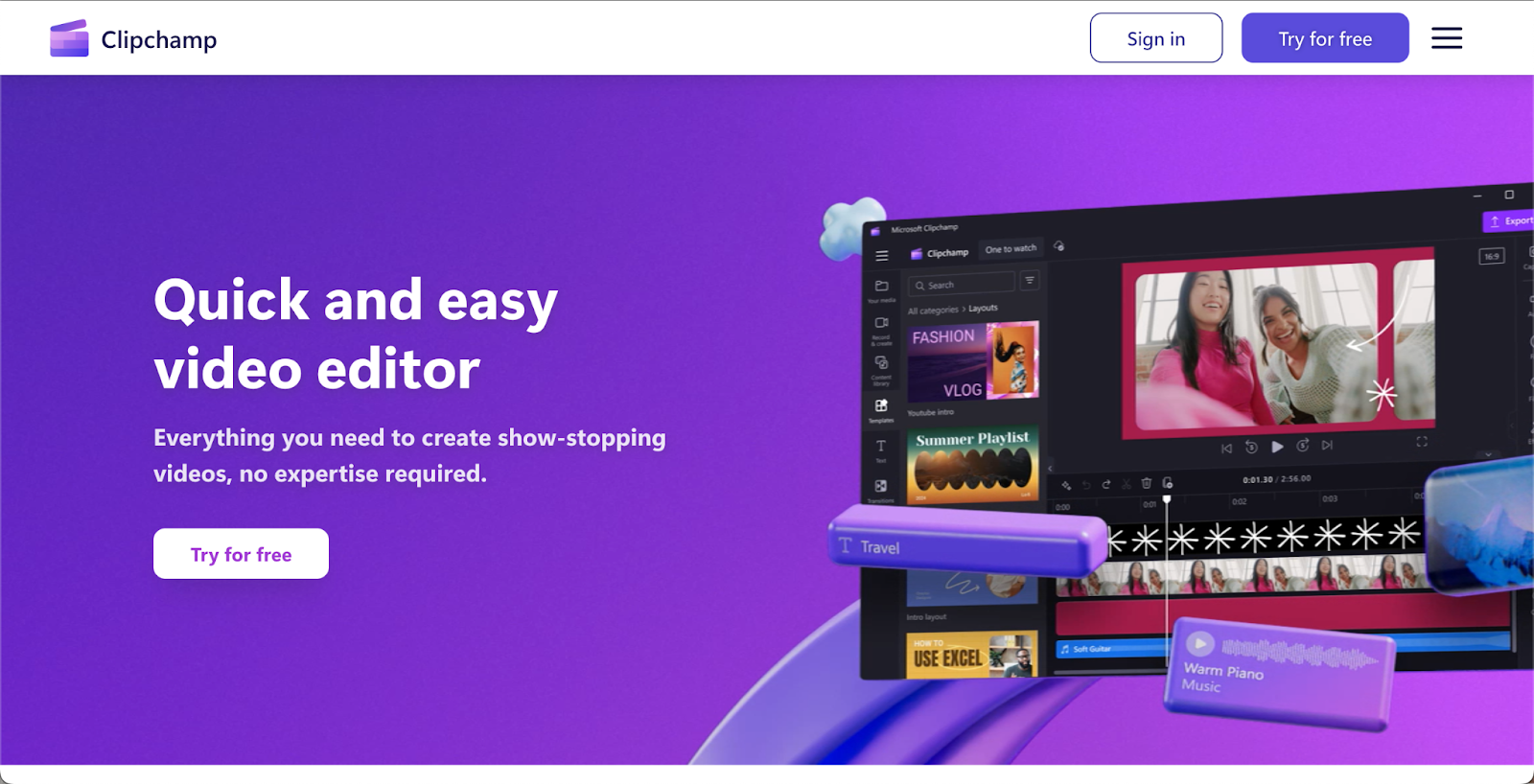
Key features:
Pricing:
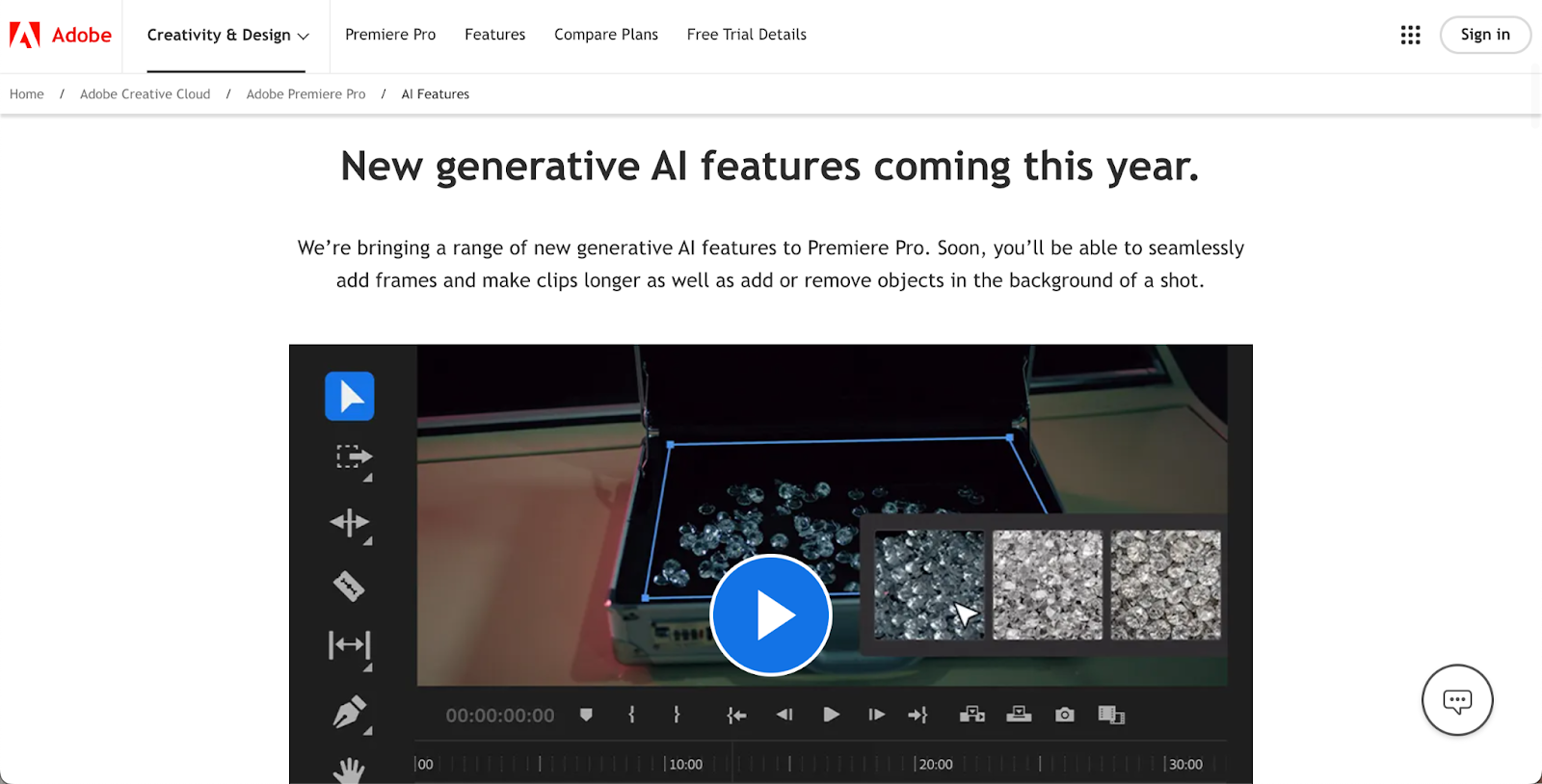
Key features:
Pricing:
While AI-powered video editing tools can be a real powerhouse, it might take some time for you to find the best way to integrate it into your workflow so it complements your creative process. So, how can you do it in the most efficient way?
The first thing you want to do is review your current process and see which areas and tasks could be outsourced to AI. For example, you might want to automate video production tasks like auto-cutting, color correction, adding subtitles, transcribing videos, and adding voiceovers. These are important manual tasks that don't require much creative input from you.
Once you know what video editing tasks you want to offload to the AI tool, start small. First, start by automating one or two similar tasks with the AI video tool of your choice and see if you like it. If it works, then move on to the next task until you have your whole new video editing flow in place.
It's important to balance your creative vision with AI. You want your content and videos to still have your unique style and flair. At the end of the day, that's what makes your content different from other content out there and why your audience chooses to support you and not other content creators.
How do you maintain the balance? It's pretty simple. Outsource boring, manual tasks to AI to help you speed up the process while you take on the role of a "Creative Director," review the video at the end, and manually fine-tune the details to add a personal touch.
If you're worried about using AI video tools to help you edit your videos, know that you're not alone. One of the most common concerns creators have is losing creative control over their videos or feeling like their videos might lack originality if they rely on AI video editing tools too much.
It's very easy to avoid this if you view AI as a helpful assistant in your work rather than your replacement. You're the one in control of your video creation process at the end of the day, and as long as you infuse the videos with your unique ideas, they will be original.
Another common obstacle creators face is consistent branding across their videos. You always want your videos to be on brand and aligned with the rest of your content. So, to ensure the AI video editing doesn't interfere with that always set the parameters within the AI tools to help you be consistent.
For example, you can create custom presets for color grading and correction so that every video uses the same color palette. The same goes for fonts or sounds you use in your videos. Even video enhancements like transitions from one clip to another can be set so that such small details in your videos are always consistent.
To ensure you're always up to date with the never-ending changes in AI technology, always keep an eye out for new features and tutorials on how to integrate them into your workflow. While not every new feature will be useful for you, it's good to keep an open mind.
The future of AI-powered video production is exciting and evolving rapidly. We see emerging trends of advanced science generation where AI video editing tools can create entire video scenes from text prompts or AI video personalization where you can tailor each video to individual viewers. They're game-changing, and it's only the beginning.
There is no doubt that with all the advancements, AI will make video content creation at the highest quality much faster and more accessible to everyone, from small indie creators to professional video production studios.
While you might see many doomsday predictions that say that AI will soon completely replace humans in video editing, that's the accurate representation of reality. With all the new advancements, we'll see more collaboration between human creativity and AI capabilities to create outstanding videos. So, if you want to be ahead of the game, keep your eyes and mind open for all the new, exciting changes that are coming in the near future.
If you're a content creator with an online course business, then you'll want to leverage AI video editing tools to help you deliver professional, engaging content with less effort and faster. AI video editing tools can help you create more engaging video learning material for your students that will help them learn better.
Because you, as an online course creator, wear many hats, using AI to help you speed up your video editing process is invaluable. By saving time on video production, you can have more time to work on other parts of your business. The same goes for marketing. AI-assisted video marketing can be a lifesaver because it helps you create marketing material for your online course faster without losing quality.
Use AI video editing tools to help maintain consistent quality across your courses. Create presets for your brand's colors, fonts, sounds, and subtitles, and use these whenever you edit a course learning material video. This way, every video will be consistent, professional, and cohesive.
AI video editing tools can offer so many great benefits to every content course creator. From saving you tons of time on repetitive tasks to helping you create interactive, engaging videos that your students absolutely love, AI can be a trusty assistant in your creative workflow.
With many different tools available offering a variety of features tailored for content creators, entrepreneurs, and seasoned video editing pros, it might require some time and experimentation for you to find the tool and the workflow that works the best. So, keep an open mind and be patient. It'll be worth it in the end.
Always remember that AI tools are only there to help and assist with repetitive, manual tasks. The heart of every video you create is your unique style and creative mind. Combining both and finding balance is the key to mastering AI video editing tools to help you enhance your online course business.
