
We're investing in your success
Your online business is unique. And its support needs are, too. From educational content to business training courses to group coaching, you can access just the right mix of support to move your business forward.
You can even connect with your fellow creators through our creator community. Insights from creators who have been right where you are can be a powerful way to learn as you grow.
Powerful features to build and grow your business
Explore our industry-leading support services.

Teachable University online courses
More learning, more earning—teachable:u provides a library of mini courses that deliver the strategies you need to build and scale a thriving online business.
Product webinars
Get in-depth guides to new release and sneak peeks at our roadmap in webinars led by Teachable's product team.
teachable:rewards
We designed teachable:rewards to celebrate and incentivize every sale you make on Teachable. Unlock greater access as you move up the ranks.
Launch Accelerator Challenge
With this proven program, you can start selling your course in just 30 days with expert guidance from the Teachable team.

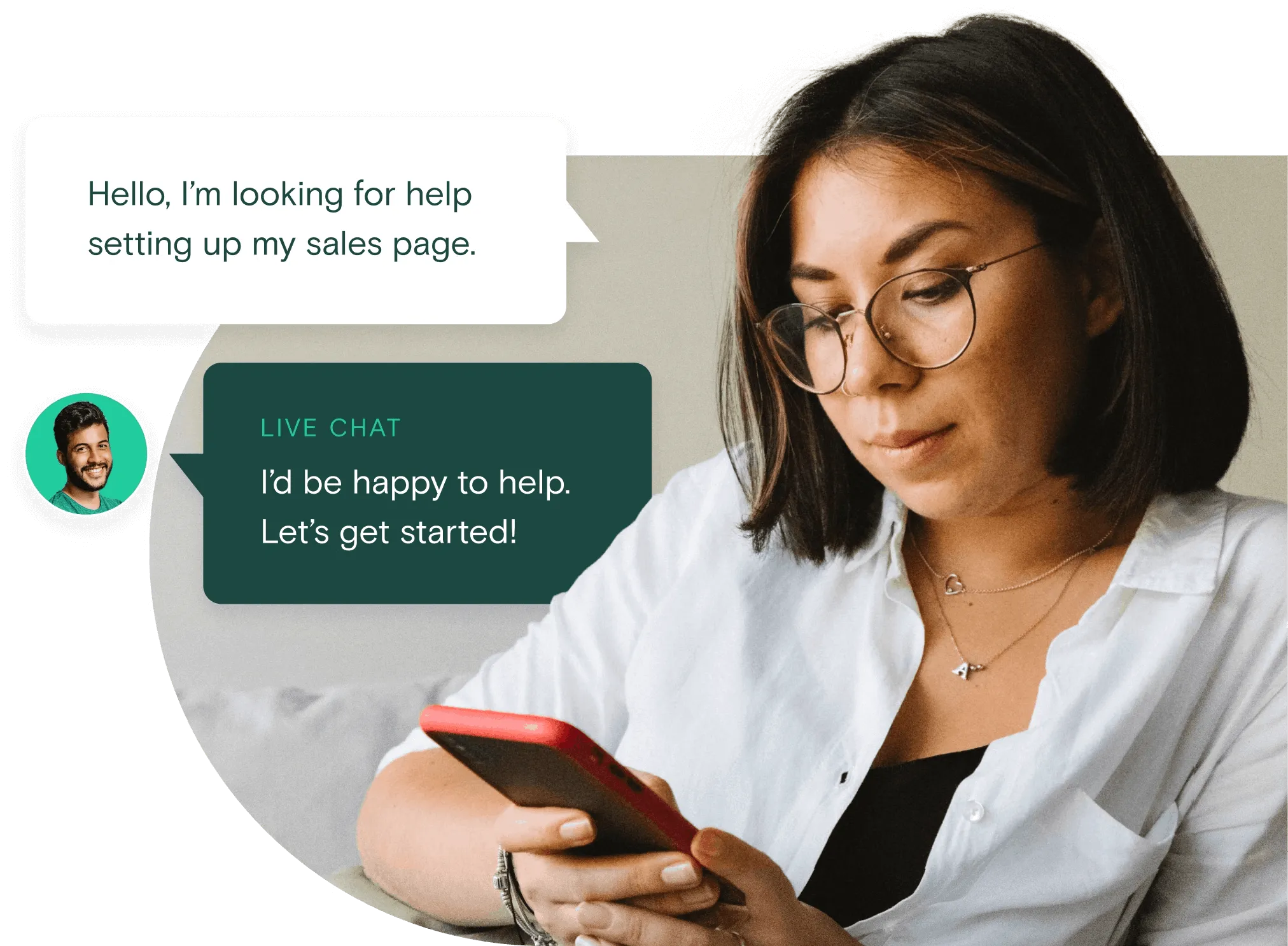
Live chat
We offer live chat support to help you get fast answers to your most pressing questions.
Guides and how-tos
Access our library of downloadable workbooks, ebooks, case studies, and more to help you run your online business.
Teachable success stories write themselves







Quick resources
News, articles, and advice at your fingertips.
Frequently asked questions
What devices does the Teachable mobile app work on?
The Teachable app is supported on all iPhones and iPads with iOS version 16.0 or later. Want to see Teachable's mobile app on Android? Visit our public roadmap and select "submit idea" to let us know and share any other features you'd like to see added to the mobile app!
How do students log in to the mobile app?
Students who have enrolled in any course on Teachable can download the app and log in using the same account they set up on the web. When they log in, they'll receive a one-time-password for the app that will be sent to their email address. For step-by-step instructions, check out our Knowledge Base here.
How do I make my courses available in Teachable's mobile app?
All courses built with Teachable are automatically available in the mobile app. There's no need to worry about settings or additional fees.
How much does the app cost?
The mobile app is completely free both to creators and students.
How can I download the mobile app?
- Go to the App Store on your iOS device
- Search for Teachable (or simply click this link to be redirected to the page in the app store)
- Click the "Get" button. Click "Install". Enter your Apple ID password or Touch ID if prompted
Where can I learn more about the features of the mobile app?
For a complete summary of all Teachable iOS app features, read our Help Center article: Teachable iOS App Basics for Creators. To learn more about new features coming to the mobile app, visit our public roadmap here.